Miki752
Members
-
Joined
-
Last visited
-
well, I hope next version DCG can repair this BUG. in windows xp, DCG will not be such like this. Thanks Lowengrin!
-
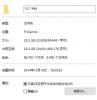
Yes,i try to change the main folder ("IL2 1946") "read only",but when i run the DCG.EXE...... Is the black block maybe cannot cancel ? thanks!


-
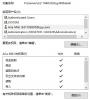
my account is set "complete control" but you can see the "read only" has a black block ,i try to check the black block,but when i open the DCG folder's attribute again,the black block reappear.
-
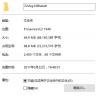
Thanks,But in windows 10,i can't cancel the "read only" ,My system Account is administrator,but when i cancel "read only",the DCG or the same as before,i check the DCG folder,i can see the folder has "read only".
-
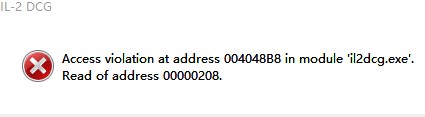
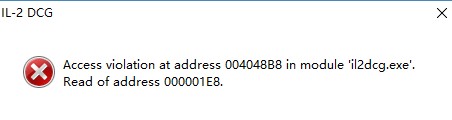
when I open DCG.exe,it will pop up a reminder :Access violation at address 004048B8 in module IL2DCG.EXE,Read of address 000001E8. How to solve this problem? I use IL2 DBW171 and win10 X64. Thanks!