



NightFlier
Members
-
Joined
-
Last visited
Everything posted by NightFlier
-
Thanks for your offers guys, no worries, it's busy here as well. My grandmother lives in NJ, I know it's a special week there so don't worry about it, enjoy your holidays 😄
-
Nice to know! Thanks!
-
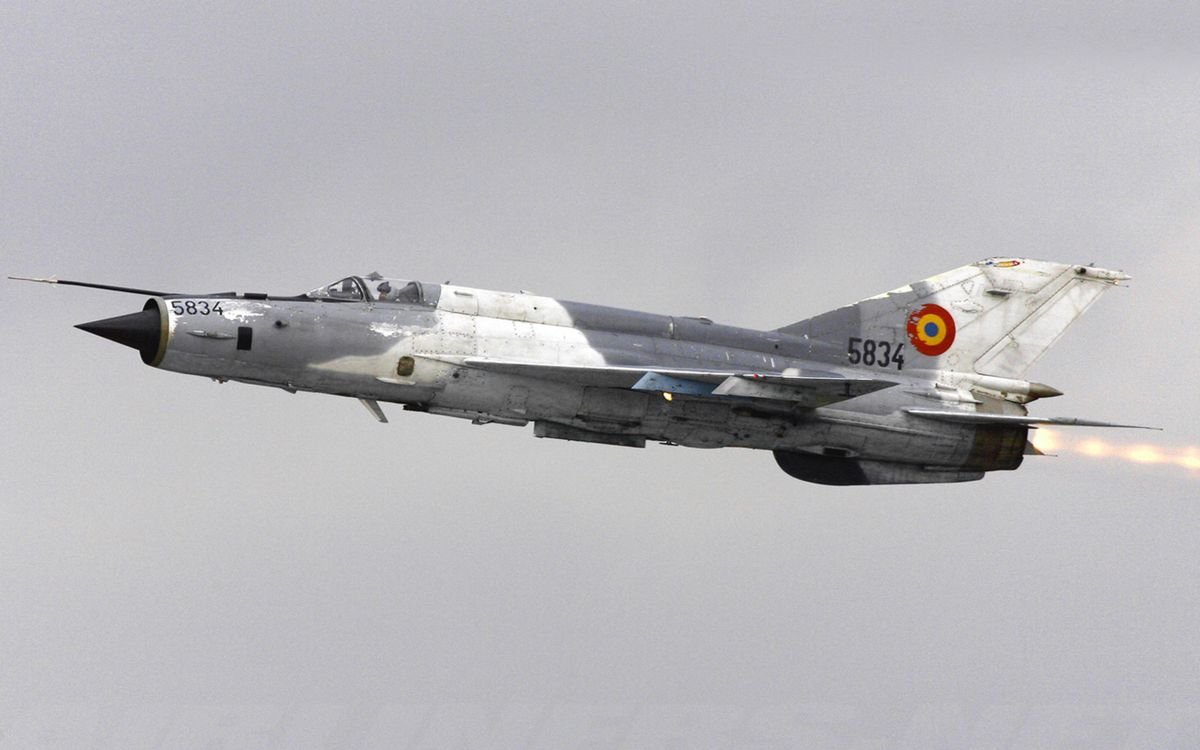
Thank you Klaiber, I've already talk with @Gus on Discord and it seems the MiG-21 has been abandoned Thanks anyway!
-
What is your Timezone? UTC+1 (summer daylight saving time) / +2 (Winter) Do you have a joystick or HOTAS? HOTAS Warthog stick and throttles Do you have TeamSpeak and Discord installed, as well as a working microphone? Discord and headset with microphone Do you have VR, TrackIR, or a FreeTrack system for view control? TrackIR What sims are you currently flying? DCS, MSFS How did you hear about JG1? I found a post on ED Forum when searching for a MiG-21 group Is there anything else that you'd like us to know? Hi, my name is David, I've been flying DCS for almost 7 years, mainly on the F-14 and MiG-21 but I like the Mi-8 as well. I'm a milsim minded pilot. I like real procedures and challenges as I fly for a living too. As a Mission Editor too, I usually create forgotten wars, mainly african wars with MiG-21, 15, 19, F-5 etc. and I'm looking for a dedicated MiG-21 group of pilots to improve my skills and have fun but at the same time have a good structure and procedures. Cheers!