Gus
-
Posts
333 -
Joined
-
Last visited
-
Days Won
10
3 Followers


Gus's Achievements





-
 Klaiber reacted to a post in a topic:
What are you listening to?
Klaiber reacted to a post in a topic:
What are you listening to?
-
 Klaiber reacted to a post in a topic:
23. December 20:00h CET next planned BMS session
Klaiber reacted to a post in a topic:
23. December 20:00h CET next planned BMS session
-
Vonrd reacted to a post in a topic:
What are you listening to?
-
Next planned Falcon BMS session is set for tuesday 23rd. December, 20:00h CET.
-
Erhardt reacted to a post in a topic:
Season's Greetings
-
Wishing a merry Christmas from Europe to everyone!
-
Klaiber reacted to a post in a topic:
16th Dec. 2025 20:00h CET next planned session
-
 Historiker reacted to a post in a topic:
16th Dec. 2025 20:00h CET next planned session
Historiker reacted to a post in a topic:
16th Dec. 2025 20:00h CET next planned session
-
Next planned Falcon BMS session is for tuesday 16/12/2025 at 20:00h CET. We´ll probably have a look into Maverick deployment on ground targets.
-
- 2
-
-
-
@Historiker Yes, we plan next BMS session the 16th ( just forgot to make an announcement in the thread ). Hope you could make it to join!
-
Klaiber reacted to a post in a topic:
What are you listening to?
-
Recently activated the TRON ARES pack for my car. Car makes really weird noises now, when parking or blinking With the new multimedia pack came the Soundtrack from TRON ARES by Nine Inch Nails. Hmm, I do love Trent Reznor, saw NIN twice live, but the score from the previous TRON Legacy movie by Daft Punk is so much better... I mean, so much, much better, that I´m now listening to the TRON Legacy Soundtrack all the time .
-
Klaiber reacted to a post in a topic:
Returning to BMS
-
Historiker reacted to a post in a topic:
Returning to BMS
-
Oh yeah, there aren´t updates such frequently like in DCS, but much more significantly with BMS. The new version 4.38 brought a completely new terrain engine and new state-of-the-art cockpits for the F-16 Block 50/52 and the F-15C .. if I remember correctly. Surely the other cockpits will follow with new PBR textures. The recent smaller fix improved the performance in VR. There´s actually not so much to tweak performancewise in BMS, but there´s also not really the need for tweaking. In addition for the new BMS 4.38 version could be downloaded and installed Hi-Res 16k ground textures for Korea, Balkans and Greece (for free). There´s also a little trick to make force feedback sticks working with BMS. I´ve just started to fly with @Balge some weeks ago, but the more I fly in BMS, the more I love it!
-
Gus reacted to a post in a topic:
Returning to BMS
-
Gus reacted to a post in a topic:
Returning to BMS
-
Klaiber reacted to a post in a topic:
09. Dec. 2025 20:00h CET next BMS meeting
-
Gus reacted to a post in a topic:
09. Dec. 2025 20:00h CET next BMS meeting
-
There are probably some changes in Falcon BMS since last time you had a look into it. All button mapping and joystick configuration should be made with the launcher; it works the same as in DCS. If you want to map a switch, like the master arm, on a physical switch on the thrustmaster throttle, the ´button_"20"_off´ function in DCS is similar to the ´on push / on release´ option in the BMS button configuration window. It´s easy to make the button configuration/key mapping the same as in DCS. For VR OpenXR works best for me. BMS also supports real stereoscopic view in VR, so if it could be set in your VR application for the headset, it is noticable better 3D depth within Falcon BMS. Best thing is, it runs stutter-free in VR at approx 3800 x 3200 on my PC and looks perfectly fine. Anti Aliasing setting in BMS should be low, like 2x or 4x - the high resolution should smooth out the image. Anyway, when you got time for the online sessions, we will get you familiar with BMS again. Would be great to have you with us!
-
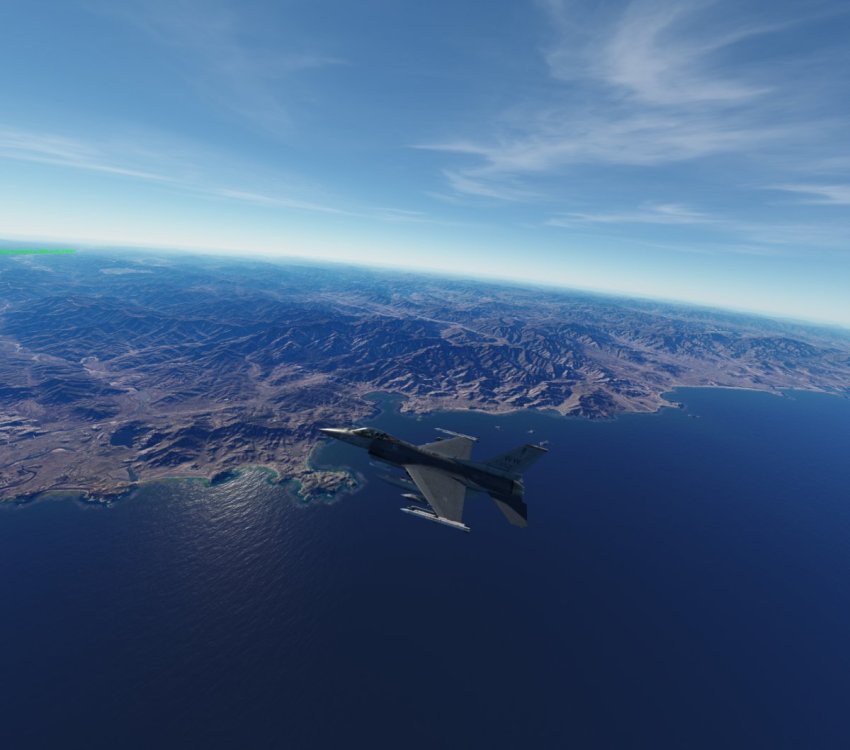
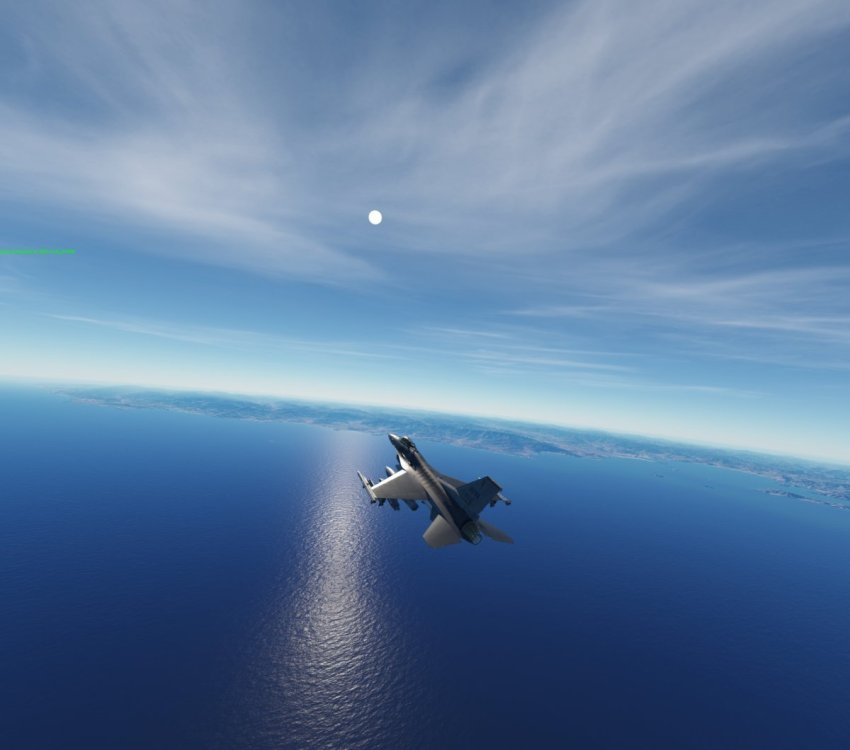
Looking forward to next BMS online session at 09th December 2025, 20:00h CET. Attached some impressions of yesterday´s flight along the east coast of Korea.
-
Gus reacted to a post in a topic:
What are you listening to?
-
Next planned BMS session for tuesday 02.12.25 20:00H CET
-
- 1
-
-
Gus reacted to a post in a topic:
Vonrd's trip to Baja
-
Next planned Falcon BMS session for 25.11.2025 20.00h CET.
-
- 1
-
-
Just watched an interesting video by Aeria Gloria about the "Control" button functionality in the MiG-29. Didn´t understand everything after the first watch, but would like to link it here as a reference for learning the Fulcrum´s systems.
-
Here´s a depiction of the course of the wall, which separated West-Germany ( Federal Republic of Germany with Bonn as the capital) from East-Germany ( German Democratic Republic with East Berlin as the capital). Berlin itself was also divided into half with a wall separating east- from west-Berlin, which made west-Berlin like an isle in the territory of the GDR.

-
Made some first steps into the Missioneditor and setup a mission file. I´ve opened a thread for the mission file in the Fritz Schmenkel section of the forum to work on it together --> At least there are some aircrafts to jump in, but I did not yet figured out, how to connect the flyable aircrafts to the spawn-points on the ground, like in the hangar. Need some practice and maybe watching a tutorial on the missioneditor. Actually I got some concept in mind, like having the spawn-point hangars to the bottom right in the picture reserved for MiG-21s and MiG-29s. There´s also an apron for Helicopter, which would be nice to have the 6 spawn points there reserved for Mi-24.
-
Never touched the editor so far. Recently I had a look at the new quick action editor, then downloaded some missions from user download files of the DCS store webside. There should be a wall with watchtowers as a landmark already on the Germany Cold War, which separates East-Germany from West-Germany. Holzdorf Airbase is on the East Germany side in the middle of the triangle between Berlin, Dresden and Leipzig. I´ll try to have a look into the Missioneditor in the next days to see, how to put aircrafts on it, save the map and how to transfer it.