
Flyboy
Members
-
Joined
-
Last visited
Everything posted by Flyboy
-
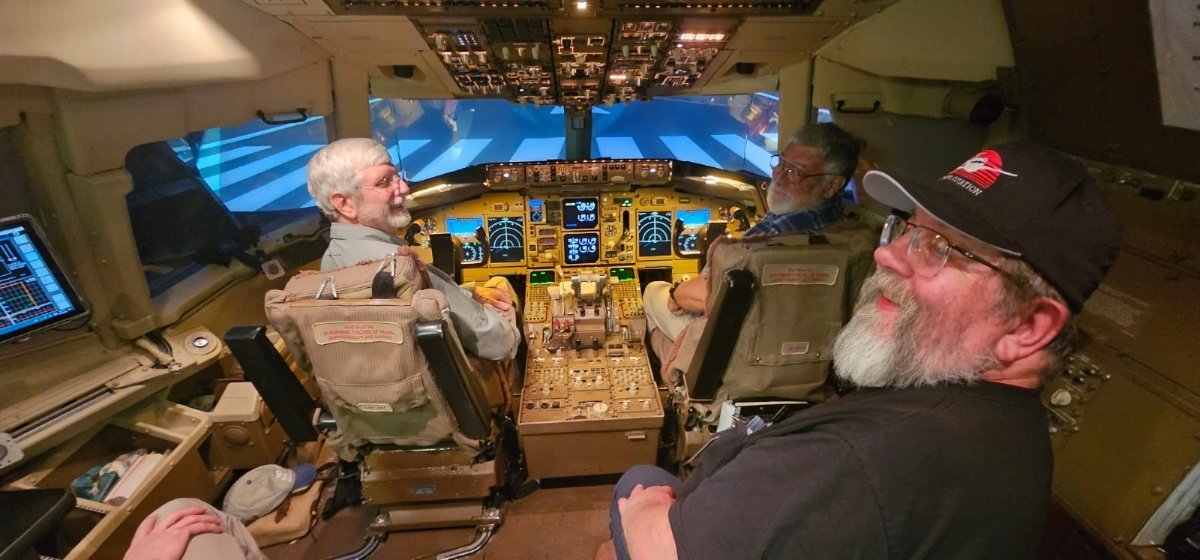
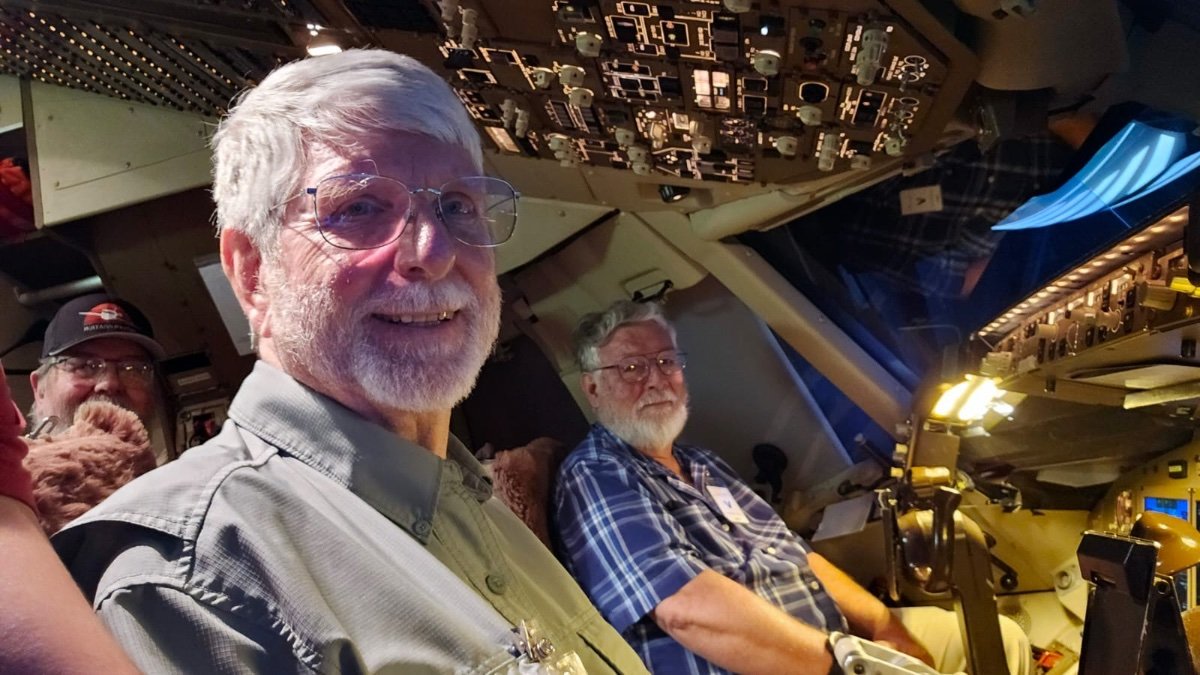
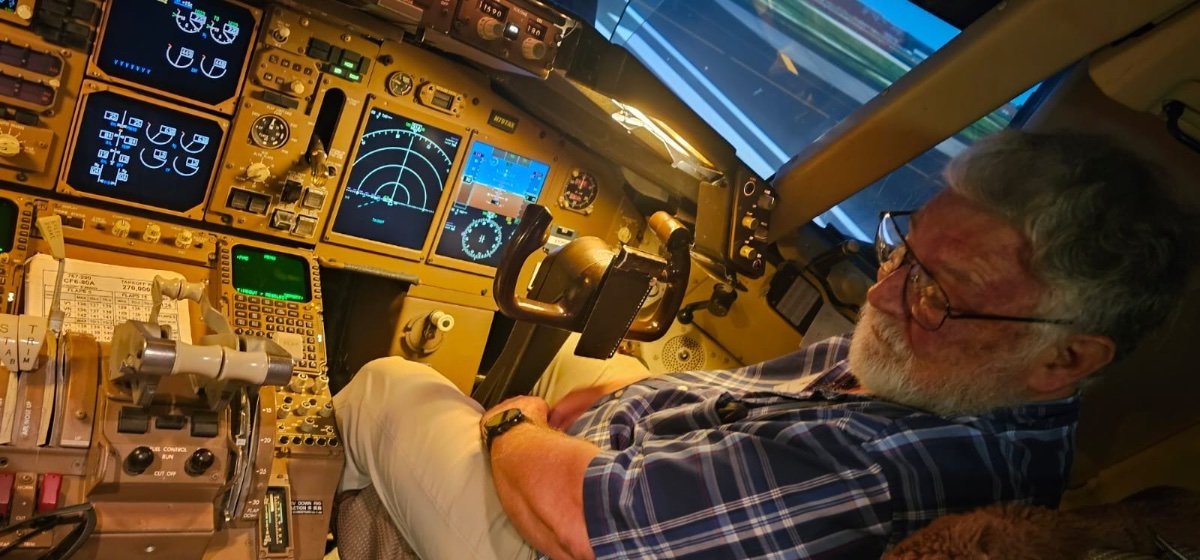
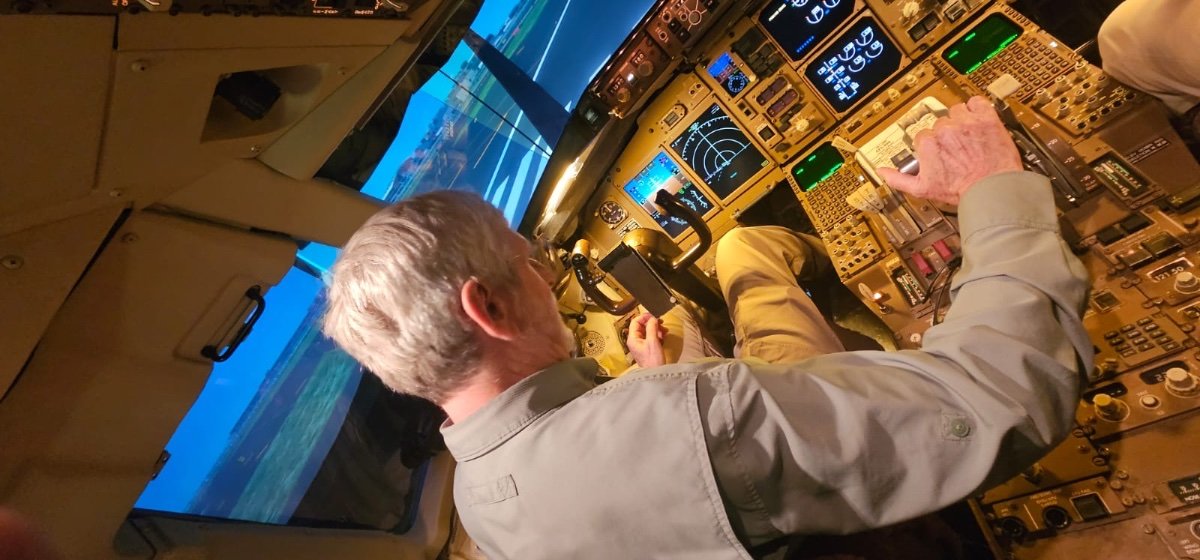
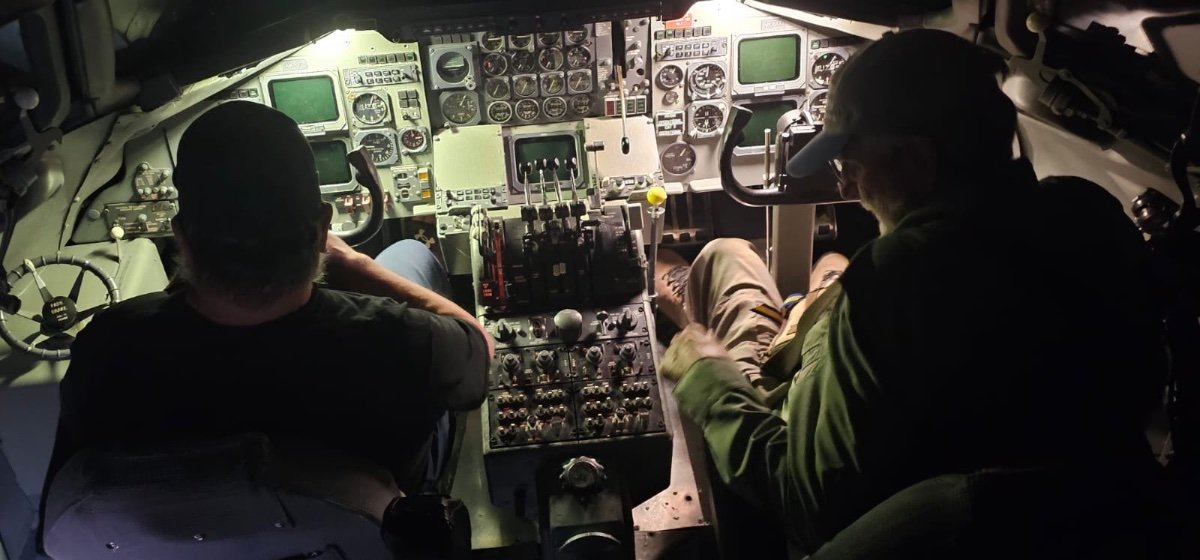
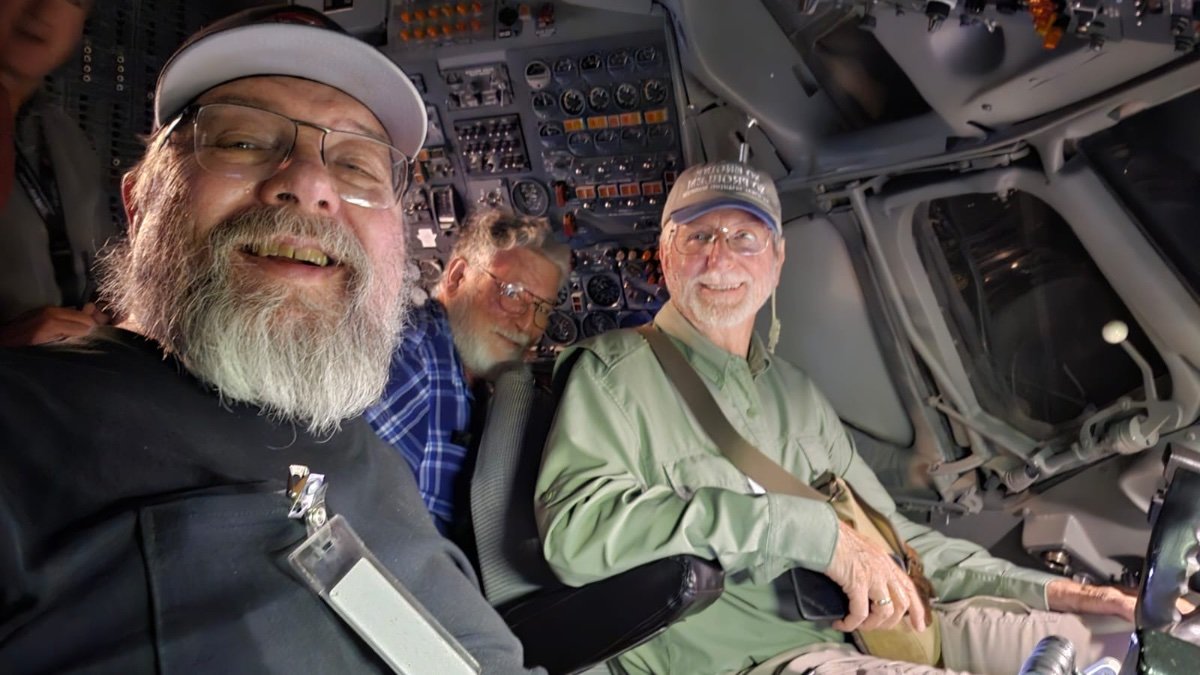
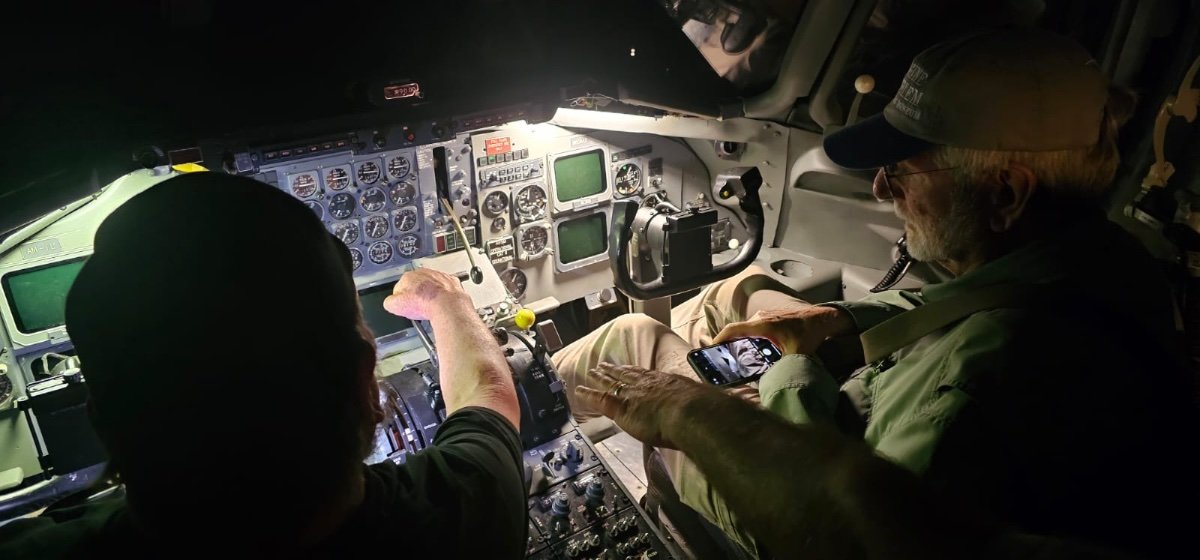
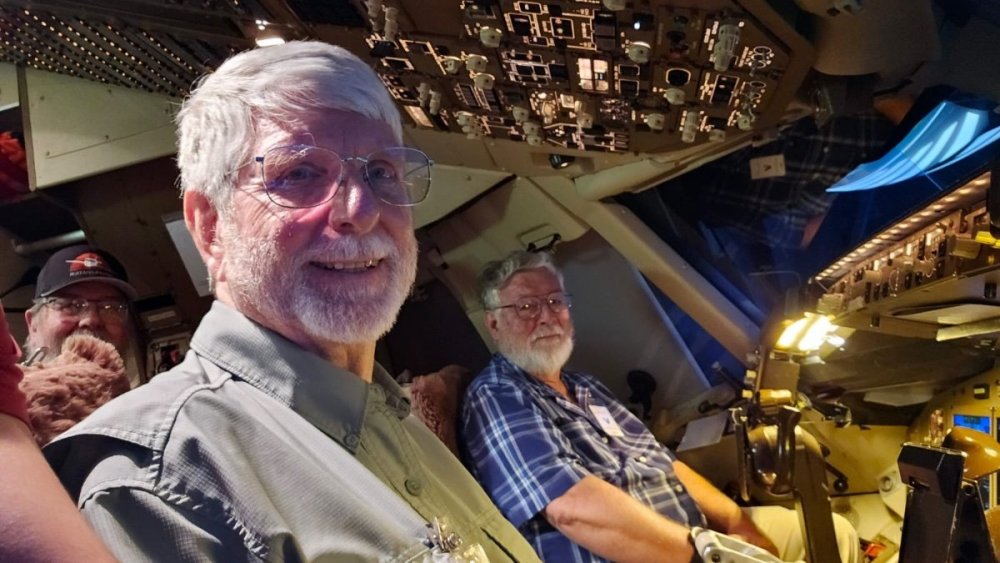
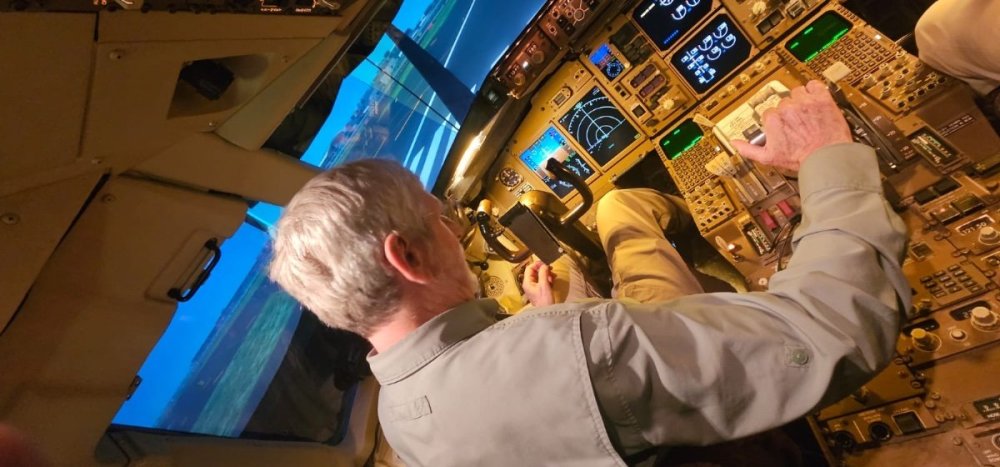
Everyone got to taxi the B-767, takeoff, fly around downtown New York City then make an approach and landing back at JFK. Joe (Luck) actually flew under the bridge connecting NY and NJ. This is Lee flying. 5bcb09d4-98bd-485f-bf76-da3c9d21fa3d.mov
-
More B-767 sim pics


-
Everyone got to see my old and ancient DC-8 (sim).
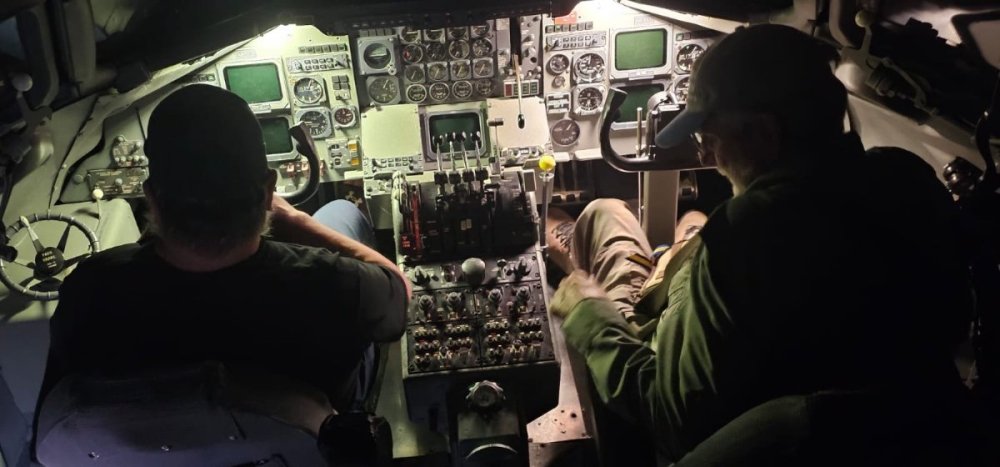

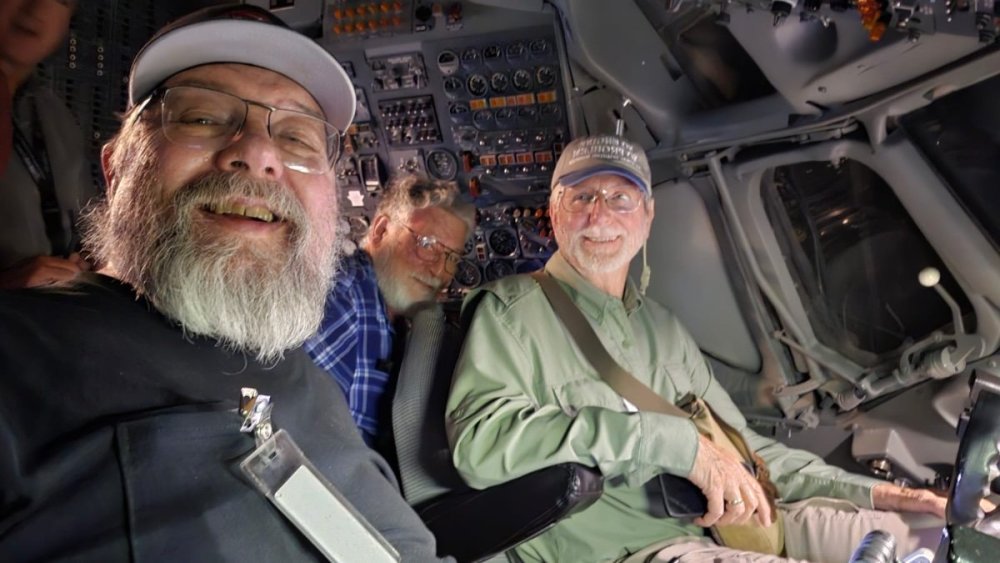
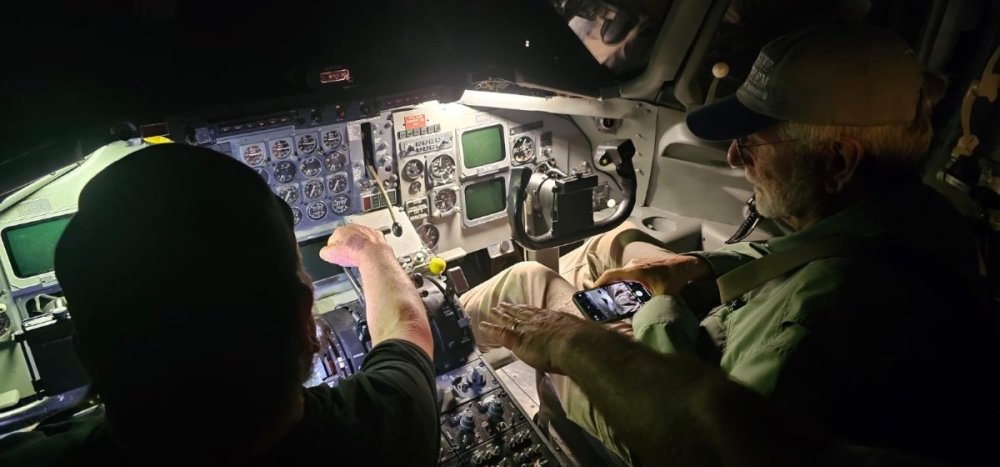

-
JG1_Vonrd doing an approach and landing in the B-767 sim. IMG_7423.mov
-
Today we got a tour of the Wilmington control tower. Pictured is (Dino) Dan (our ABX instructor and tour guide today), (JG1_Patriot) Rick, (Hawg) Manny, JG1_Lee, (JG1_Flyboy) Mike, Fox3_Luck) Joe and (JG1_Vonrd) Rick. Jennifer (Joe's wife) is pictured in the second pic. We then went to get some authentic Cincinnati chili at Skyline followed by a sim tour. Got to see the old DC-8 sim and a lot of flight time in the B-767 (hopefully some of the others here can post more pics). Got a brief maintenance hangar walkthrough then went to my house for hamburgers, talk and of course some more flight sim on my rig.


-
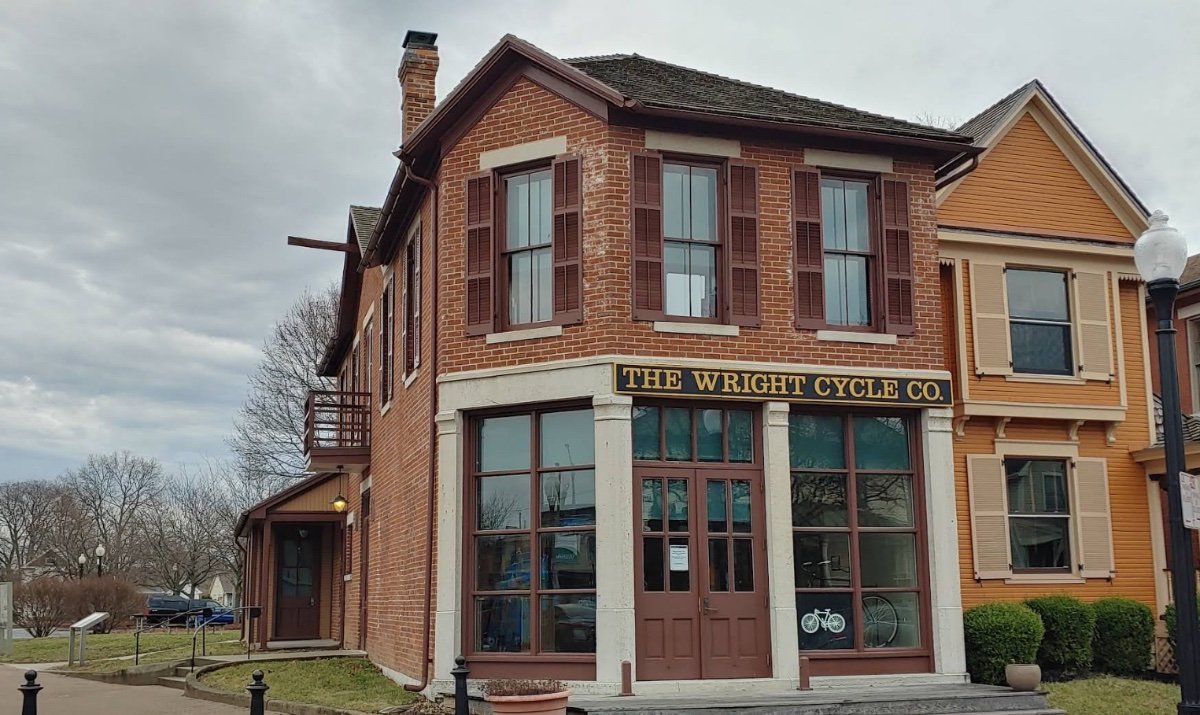
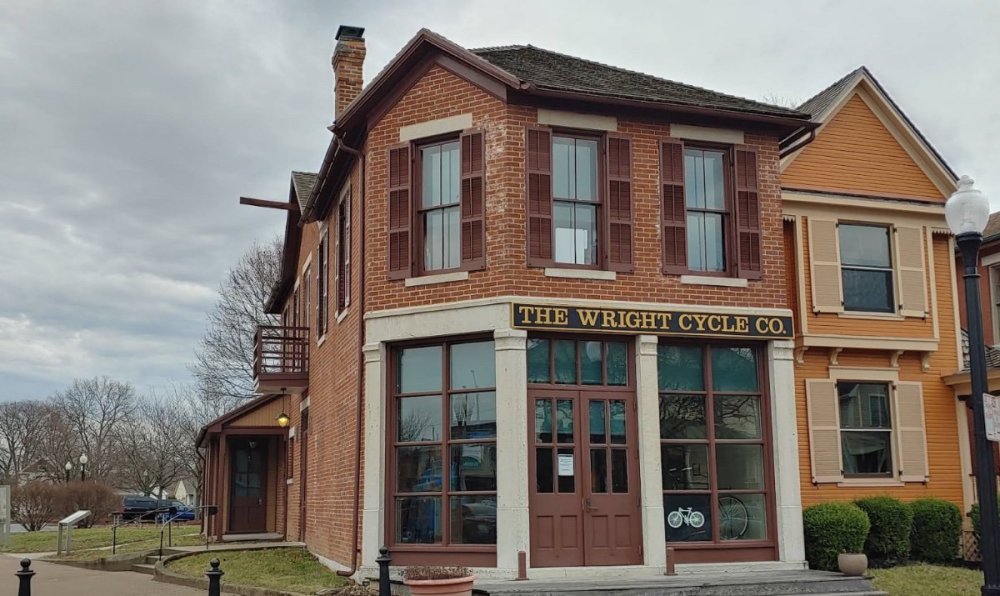
Bicycle shop 4
-
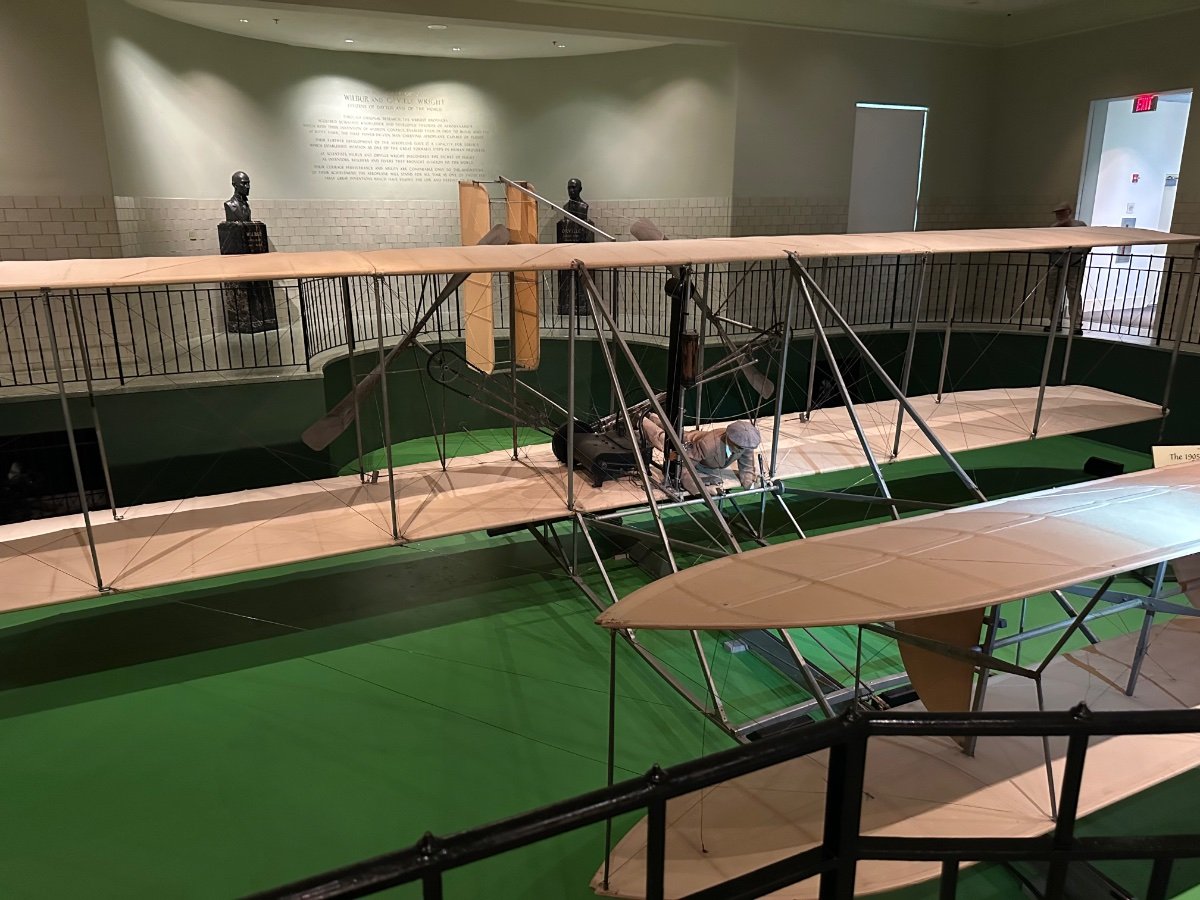
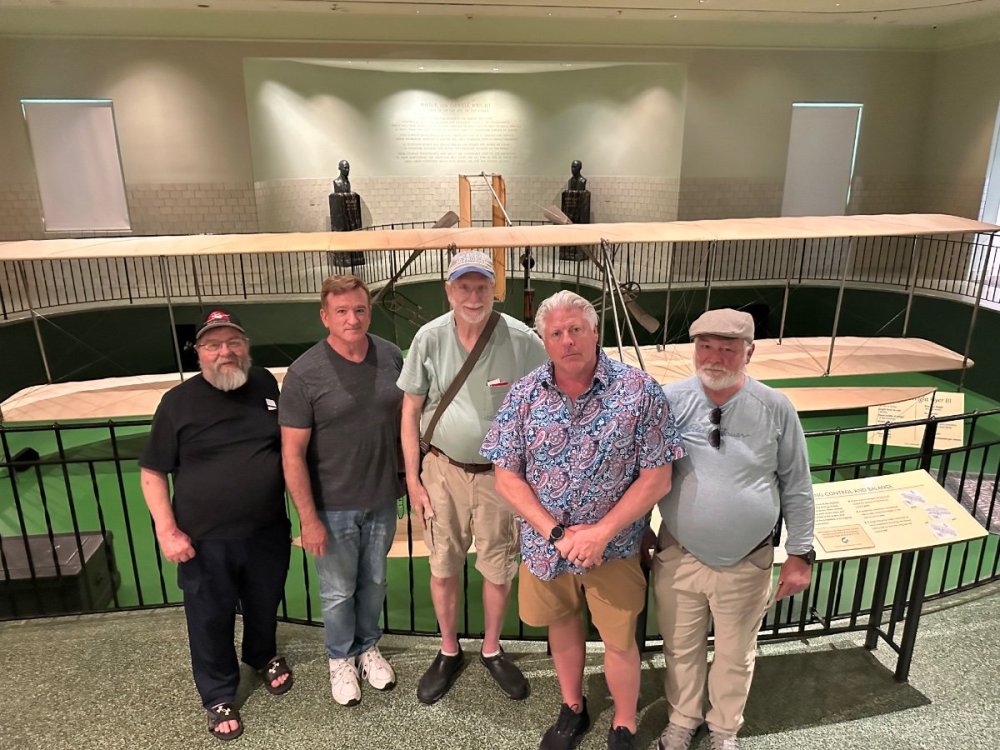
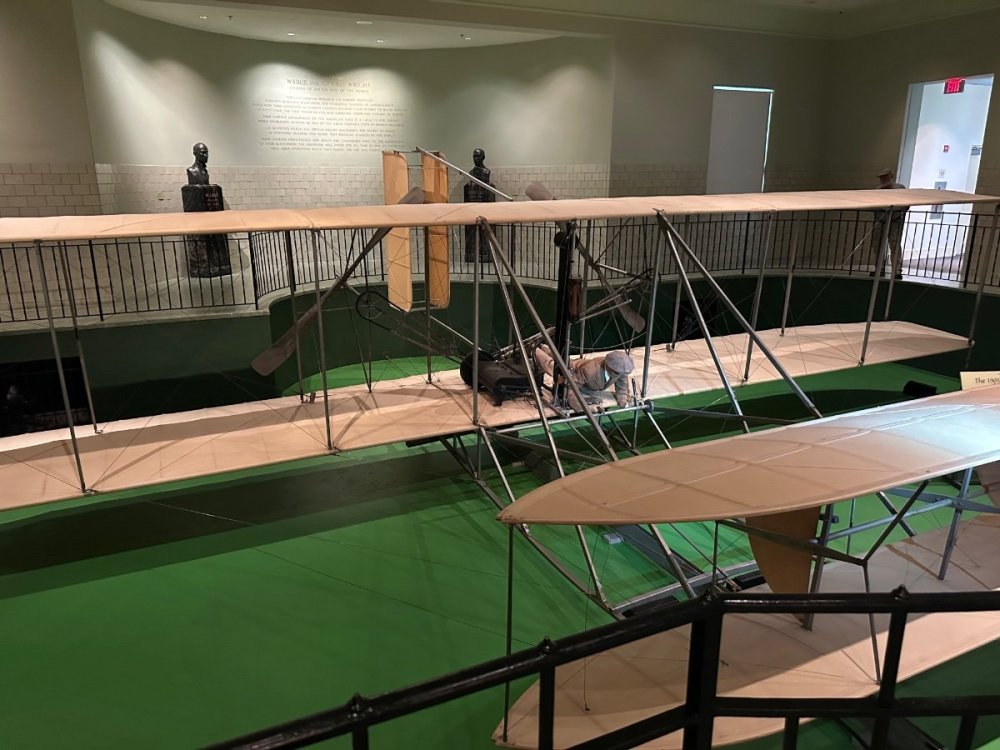
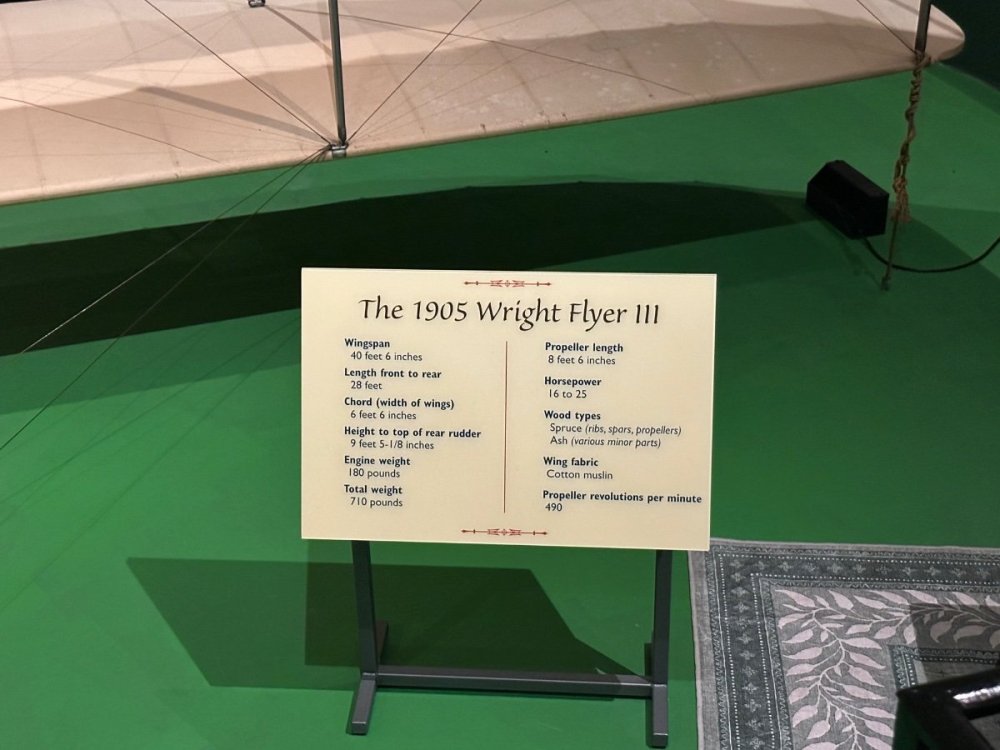
Lee got into town Tue night so came over to have grilled chicken wings at my house with Patriot, myself and my wife. Today we went to the Wright Bicycle shop (shop number 4) and museum and then over to Carillon Park which also houses the original 1905 Wright Flyer along with a replica of their final bicycle shop (number 5) and place where they did a lot of their airplane experiments. Tomorrow we go with Wilmington Airpark for a control tower, hangar/aircraft and full motion simulator (B-767) tour. Pictured is Vonrd (Rick), Flyboy (Mike), Lee, Paul (ABX pilot) and Patriot (Rick)

-
It’s a real goofy thing for IL2 but you have to run steam VR first, even if the game isn’t on Steam, before it will work.Very excited about my additions to the script. It has so much possibilities and hopefully can do some more testing on the new capabilities soon. Allows for peace/war status and violations now! TeamScore 5.011 Player Guide Enhanced Scoring System with Peace/War Mechanics What This Script Does TeamScore is an advanced scoring system that tracks kills, mission objectives, and team performance in DCS World. It adds realistic escalation mechanics where missions can start in "peace time" and automatically transition to full war based on player actions. Peace vs War System Peace Time No combat scoring - destroying enemy units gives your team penalty points instead of rewards Mission objectives still work - recon flights, rescue missions, and supply drops earn positive points Escalating tension - as violations accumulate, the system warns when war is imminent Automatic war declaration - if your team commits too many violations, war is automatically declared War Time Normal combat scoring - destroying enemy units earns positive points All penalties carry over - your team starts the war with whatever penalty points you accumulated during peace Mission objectives continue - all mission rewards still work normally How Violations Work During peace time, different actions have different penalties: Air-to-air combat: Usually no penalty (dogfights allowed) Ground attacks: Moderate penalty (-30 points default) Naval attacks: Heavy penalty (-50 points default) Special violations: Mission-specific penalties for things like attacking protected targets F10 Menu Options Access TeamScore through the F10 radio menu: Check Scores: Shows current team scores and time remaining Personal Stats: Your individual performance plus the top 5 players server-wide Peace Status: Current violation levels and how close teams are to triggering war Admin Options (if you're an admin): Reset scores, toggle debug mode Scoring Display All scores show with proper formatting: Large numbers: Displayed with commas (2,355 instead of 2355) Kill categories: Air, Gnd (Ground), Ships for clarity Time remaining: Mission timer with warnings before scoring ends Mission Integration Flag-Based Objectives Mission creators can set up objectives that reward either team based on completion: Recon missions: Fly to areas and gather intelligence Rescue operations: Extract downed pilots or personnel Supply missions: Deliver cargo to friendly forces Base capture: Control strategic locations Special Targets Some units are worth bonus points (or penalties): VIP targets: High-value aircraft or vehicles worth extra points Protected targets: Attacking these during peace time triggers severe penalties Strategic assets: Key infrastructure with major point values Realistic Escalation The system creates authentic cold-war-to-hot-war scenarios: Mission starts in peace - teams conduct recon and non-combat missions Someone commits violations - attacks enemy units, triggers penalties Tension builds - system announces when war is imminent War declared - full combat scoring activated, violations become starting handicaps Teams fight back - must overcome their violation penalties through successful combat Key Benefits Encourages realistic tactics - teams must weigh risk vs reward for early attacks Rewards non-combat missions - recon and support flights have real value Creates dramatic tension - watching violation scores creep toward war threshold Fair but consequential - early aggressors pay a price when war starts Flexible for mission makers - can be configured for any scenario type Admin Features Server administrators can: Monitor all activity - detailed debug information available Reset if needed - clear scores and peace status Configure thresholds - adjust when warnings appear and war triggers Track individual players - see who's contributing most to team success This system transforms ordinary DCS missions into tense, evolving scenarios where every action has consequences and teamwork matters from the very first takeoff.I am very excited by the results of tonight's testing. Thank you @Vonrd @Mouce and Moushake for helping out with this. I think it was a huge success and I let it keep running after you all left so I could check the mission end and it worked great (see my attached snapshot picture). I had it set for only the top three but I'm thinking of upping that to 5 with a script option to change the number if I want. I sent the dcs.log of the mission to ChatGPT and it found no errors and all scored correctly. Everything worked beautifully except I did discover the EWR script will not work if you use dynamic spawn to get in an airplane, which isn't a big deal because for events I like to have all the aircraft named and placed in parking spots, which also allows me to limit how many airplanes are available at the base. Other things tested was ArtySpotter script allowed me to destroy things and get points. Also, I had CTLD running and I used it to take a load of troops to a neutral base, capture it, and get 5,000 points (which I had set a flag to do so in TeamScore if captured). To capture a base all you have to do is bring any combat troops there and if the enemy doesn't have combat troops in the vicinity your coalition will capture it. I'm now thinking about implementing a type of "king of the hill" scenario where there is a contested base or FARP that each side fights over for points. It would especially cool if I can get it so the side who holds it keeps earning points each minute they hold it. But we will see and I will have to experiment with the mechanics and balance. I've spent weeks on this and prob at least 100 hours. It's been very frustrating at times, and I've had to go back and forth between Claude and ChatGPT to get it to work. Finally, the other day when I saw in the DCS changelog for the latest update about fixing the internal scoring system I got the idea to have the AI use that as a basis for the script. It wasn't perfect and had to do some workarounds but I finally made real progress. Here is a description I had the AI make for the TeamScore script. It is actually quite powerful and versatile so I'll be excited to see what I can now do with it. TeamScore SCRIPT TeamScore is a lightweight scoring add-on for DCS missions that replaces the default kill-point system with a clear, consistent point structure and optional bonus objectives. Here’s what you need to know as a player: 1. Point Values by Target Type Air Targets (jets, helicopters, bombers, etc.) • Human-piloted: 100 points each • AI‐piloted: 50 points each Ground Targets (tanks, trucks, armored vehicles, etc.) • Human-controlled (e.g. a player in a transport or similar): 30 points each • AI-controlled: 15 points each Ship Targets (naval vessels, small boats, etc.) • Human-controlled: 50 points each • AI-controlled: 25 points each (If an AI kills something, their point value is always half of the human equivalent.) 2. Friendly-Fire & Neutral/Static Objects Shooting your own side’s aircraft or ships simply gives the points to the other team (as if they’d scored it). Blowing up any friendly ground vehicle likewise flips the ground-kill points to the enemy side—so destroying a friendly tank will help your opponent’s score. Neutral objects and static buildings (e.g. airports, towers, “dummy” structures) never grant points—so you can’t farm scenery for easy kills. 3. Crashes & Ejections If a player (human) crashes or ejects from their plane, the other side automatically gains full air-kill points (100). If an AI-piloted plane crashes or ejects (e.g. runs out of fuel or flies into terrain), no points are awarded—so beware leaving your AI wingman alone on autopilot. Simply hopping out of your aircraft or switching to another slot does not give your opponent points (there’s built-in protection against “disconnect farming”). 4. Special-Mission Bonuses & Flags On top of the base point structure, mission designers often include “VIP” units or special objectives that award bonus points when completed. For example: VIP or High-Value Targets: • Certain named units (e.g. a “B-52 Bomber,” an “Intel Truck,” an enemy commander) may be worth an extra +500 (or +1000) points if destroyed. • You’ll see these units named clearly in the mission briefing (“Destroy the Convoy VIP for a 500-point bonus!”). Flag-Triggered Objectives: • Missions can set up triggers (flags) so that when you destroy a key target—like a bridge, radar site, or command bunker—you get a one-time bonus (e.g. +300 points). • These objectives are usually mentioned in the briefing (“Crush the Bridge to cut off reinforcements: +300 points.”). 5. Checking Your Score In Multiplayer, press Tab → Scoreboard to see your custom TeamScore totals beside the normal pilot stats. You’ll notice the split between Blue and Red coalitions updating live as targets are destroyed. In Single-Player, there’s a small on-screen “Check Score” option (often bound to an F10 menu) so you can display “Blue: 1200 Red: 950” at any time. 6. What to Expect as a Player Every air kill you make is worth 100 points (even if it’s an enemy AI jet). If an AI wingman downed an enemy, you’d see 50 points credited instead. Taking out ground targets (armor columns, trucks) nets you 30 points apiece. Watch out: if you destroy a friendly vehicle by accident, your opponent gains those 30 points instead. Sinking or disabling ships is 50 points for humans, 25 for AI. Crashing yourself hands 100 points to the opposing team. Special objectives (VIP jets, bridges, radar sites, etc.) are worth large bonus chunks that will be clearly spelled out in the mission briefing. Completing them can swing the score rapidly. Neutral structures or random buildings will not give you points—so focus on marked enemies and mission-defined objectives. By following these simple rules, you’ll always know exactly how many points are on the line for any kill or objective, and you can plan your mission around the highest-value targets to push your coalition to victory. Good hunting! TeamScore Basic Description.pdf
 Here is my tentative itinerary/plan: Wed Jun 18 - 0800-0815, Leave Wilmington - 0900 Wright Brothers Cycle Shop and National Museum - 1200 Carillon Park museum, starting with lunch at Culps Cafe (excellent food in historic train car at museum). This is such a great museum and has the original 1905 Wright Flyer, considered the first real flyable airplane. - 1700 Carillon Museum closes Thu Jun 19 - 1200 Meet at Skyline Chili in Wilmington for lunch - 1330 Sim and hangar tour at Wilmington Air Park - After tour - Come see our horses and dinner at my place just outside Wilmington (we can grill burgers or something). Friday Jun 20 0800-0815 Leave Wilmington 0900-1700 National Museum of the US Air Force Saturday Jun 21 - Dayton Air Show (leaving and meet time TBD)Trusted wingman program and the future of air combat. https://apple.news/A5mY1hWRUQy6Wz4Fa6egj6AThe guy giving us the sim tour is planning to come try my home sim tomorrow afternoon around 11 if anyone might be around and able to do a little formation flying? I’ll need to get him warmed up and comfortable first so maybe after 30 min or more can jump online if anyone is available.A pilot friend from work is wanting to put together a flight sim primarily for DCS and MSFS. He is looking at a rig from microcenter and asking for advice. He’s planning on using a Quest 3. While I know a little, I’m not an expert especially with AMD so asking what you guys think. I’m hoping to have him over in next couple days to try mine out. He sent me the following pics of what he’s looking at.


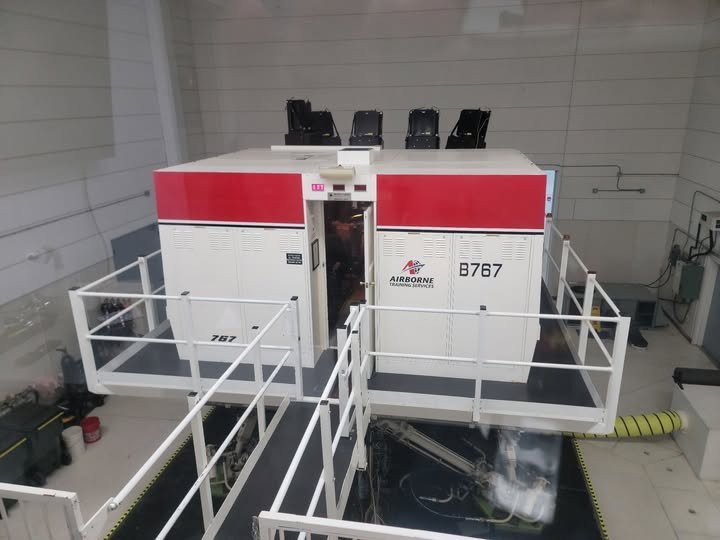
 I can always put in a special request 😅Not sure what that is but I’m hoping we might have an A-330 to look at also. He told me that project is looking good for our company to get them and they are converting to cargo now.I just talked with Dan Valk, a senior check airman/instructor here and he thinks he can swing a tour for us. I had helped him with ideas and reviewing for his new captain upgrade course being developed and he is also really interested in building a VR sim of his own very soon (in fact I may be asking ppl to be online next week sometime when I have him try my sim). He has to go to work that Friday evening (Jun 20) so he is talking about the Wed or Thursday evening (maybe around 6 pm?). He has to clear it with the flight standards manager but he's already looked at the sim schedule and doesn't think it will be a problem. We will also have opportunity to visit the hangar and go in a real B-767. I told him we would be happy for whatever day/time he can arrange. Anyone else thinking about coming for the airshow, etc.?
 Good turnout and thanks for the participation. Attached is the TacView file. Also thank you for you patience as I am learning how to do these missions and events. I am striving to make them fun and balanced so any constructive criticism is welcome so I can implement into a better mission for next time. My goal for next time is to do it on the Sryia map. Tacview-Yom Kippur II PvP Oct 1975 - 10 May 2025 EVENT.zip.acmiThey are both good and right next to each other so since you already made the reservation let’s stick with holiday inn and I’ll tell HawgHawg says the HamptonWe can arrange it anyway we want. When the June schedules get finalized later this month I’m going to be trying to arrange a tour at our Wilmington Air Park and hopefully included some B-767 sim time so need to be flexible for whatever day that’s available.Think I got it all fixed and we are doing an open testing around 1400 ET this afternoonIncredibly (or perhaps not), after checking last night of course DCS broke some things on the mission. Late activation with Visible Before Activation no longer works correctly which means you can’t see the recon targets before the war starts. I think I found a workaround using AI Push commands but it’s going to take me some time to make the changes so not sure I will have it done by tonight. I’m hoping to have a few hours this afternoon.