

Stuka
Members
-
Joined
-
Last visited
-
 Stuka reacted to a post in a topic:
New TAW Red Rising website/server update - new registration and squadron creation required
-
-
S! guys! I took the initiative to create the squad: JG I Richthofen
-
S! I follow you... If you want to go fast, go alone. If you want to go far, go together.
-
I sent you a request to join it.
-
According I see, the pilot can transfer his CP to the Squadron.
-
Yep, but someone put me at a 7th Air Esquadrille squadron. Maybe because it is not allowed fly alone. Waiting for you guys create JG1 so I'll move to.
-
S! guys! How are you doing? I tested this weekend and loved. I'll try to attend on tues night.
-
S! Happy birthday Herr Vord!
-
-
-
S! guys! Keep pushing Herr Kliegmann. Maybe I´m the next... maybe...
-
-
-
S! Guys! Microtonautas!
-
S! Guys! My condolences to him and his family!
-
-
-
S! Guys! DCS: C-130J Livery Contest Winners
-
S! Guys!
-
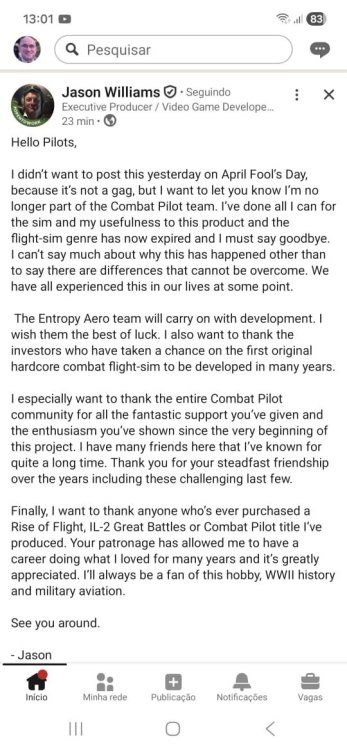
S! guys! Jason posted on Linkedin that he leaved CP project! Post | LinkedIn (pls, see screen attached) But a few hours later I went to his post and it wasn't there. Maybe he regretted it. Btw, I was in a business trip but could take some hours with Free Trial of Carrier Qualification, and I liked what I saw.
-
S! Guys! I think I´m Experimenting the second generation of digital world. First one was when I had to replace the pencil to the mouse and now we had to replace Hollywood to the prompt...
-
S! Guys! Merry Christmas and happy holidays!