





Flyboy
Members
-
Joined
-
Last visited
Everything posted by Flyboy
-
Spudknocker. Sorry I should have posted the whole thing.
-
Here's another thing I'm trying by excluding everything DCS from Windows Defender and my antivirus program (Bitdefender).
-
Not sure how much time this really saves by time you first load up the map in the editor, but it might help with potential crashes when getting into a MP server?
-
Just ran across this vid and looks interesting. Started to follow but I didn't have the P-cores button option though I have an i-9 with what looks like 15 cores. From the comments it looks like the suggestion is to split the cores, put DCS dedicated on half of them and all the other processes on the other.
-
Worth sharing your input. At the end I suggested the module most needing a refresh is the Mig-21 https://forms.gle/RD1xBvNNDYuYVgrw7
-
We saw it also and I have read all the original books and seen the other movies. I have always loved sci-fi stories and never thought this type would have interested me until I was forced to read the first book for a Sci-fi literature class I took in college. This movie series is by far the best adaptation and even kept my wife’s interest (due in large part by the talented Timothée Chalamet who we also loved in The King and Wonka). There were a few changes from the book I think, especially at the end that I’m not sure about. So I’m currently rereading the series.
-
Btw I was slightly damaged, Winchester and low on fuel otherwise would have been tempted to give a proper greeting 😅
-
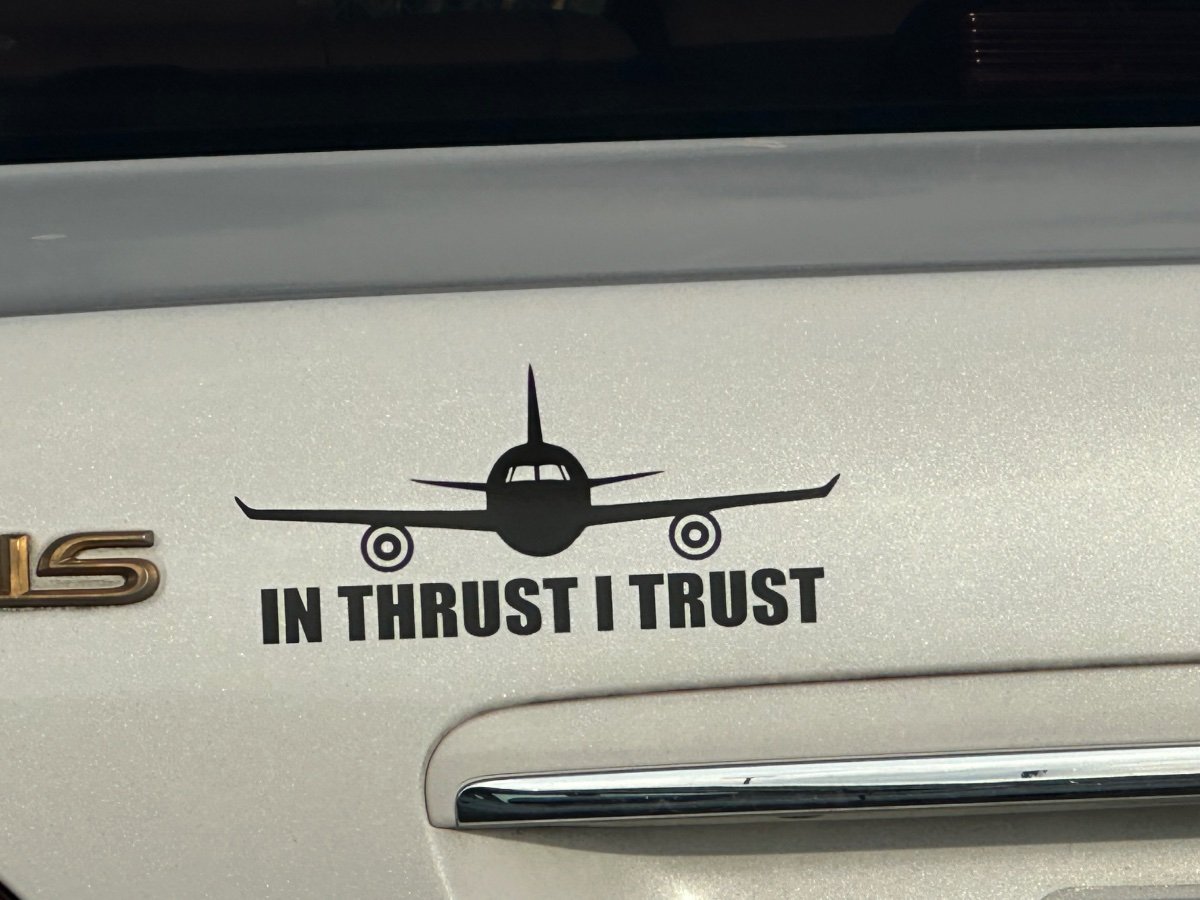
Saw this in the pilot parking lot today 😊

-
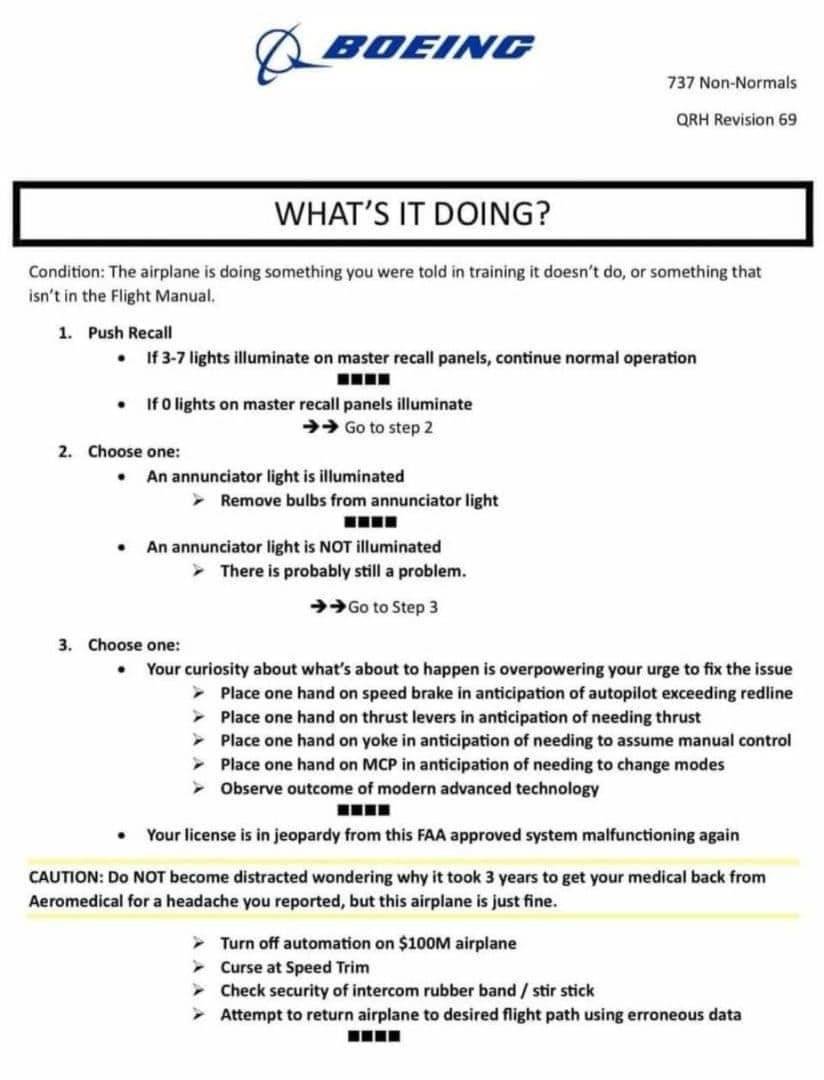
I suspect there is going to be a flooded market of used quest vr headsets 😅I haven't had a chance to try it yet, but Hawg reports his fps and visuals have vastly improved!DCS: MiG-21bis Added clickable polarization filter for the radar screen (controls the radar screen illumination). Hope this works. Very difficult to see the screen sometimes.I’m working with a tech guy trying to fix my laptop and in conversation he said it is an option you have to downgrade to Win 10 which can help gaming. Might this be an option @Moxy?I have really been impressed with MSI gaming laptops and got my second one from zTech Computers two years ago. I’ve getting laptops because of my work travels but plan to get a desktop maybe this fall when the new 50 series vid cards come out and will prob go with MSI and zTech again.Sorry I saw the i7 and 4060 and thought it was good. I’m not a big tech guy so don’t listen to me 😅That is correct. As Klaiber said it’s not required but it was a huge game changer for me personally. I was into flight sims way back in the Red Baron days but got frustrated with the view system. I moved to the country with poor internet and drifted away from flight sims for years (never tried track IR). It wasn’t until I got better internet and a friend introduced me to VR that I came back and now a huge enthusiast. Of course it’s not for everyone and some people can experience motion sickness. Track IR sounds like a great alternative and I wished I had tried it years ago. I just wanted to let you know of the tech that’s out there now. The best option, if possible, would be to try before buying to see if it’s something worth investing in. A VR headset I believe can cost anywhere from 230 (Quest2) to 1500 (the new Pimax).I would think that would be enough, and I know some who are flying with much less. Have you considered VR? I was out of flight games for quite awhile also but drawn back in after a friend told me about VR and I have to say it is incredible and so much more realistic. IL2 I think is becoming less popular though I still enjoy Flying Circus/WW1 occasionally. A lot of us have moved over to DCS where it is much more realistic (from WW2 to more modern jets).Looks interesting but I'm on duty for work those weekendsWelcome to the Matrix! Now be wary of those who offer free colorful pills 😅A lot of memes going around from my pilot buddies. Though these are funny I'm still a Boeing guy and find it kind of sad Boeing's rep has gone down so much. Hope they get it together. Btw, that's not "masking tape" - in aviation it's called speed tape! lol


 One thing interesting I learned through this process is that if you change the .miz extension on a mission file to .zip you can then extract all the files needed for that mission including the scripts.Hey all, I will be out of town for a few days but I've updated my Multi Training Cold War Caucasus mission to version 1.002 and it's running on my server if anyone wants to give it a try (password: flybynight). It now includes a bombing range practice area using a script that will tell you how far off you were from the target and what bearing (from true north). You can airstart or take off fresh from Kobuleti. I tried to include a general description of the bombs and/or rockets carried for the airstarts. I also included WW2 airplanes for bombing practice. There are 4 target zones the script will use in the target area and are designated by their circular shape. You have to use the Blue side for the bombing range but most airplanes are available to use. I don't have it set for unlimited weapons on this map so after expended just respawn in and try again. There are some issues with this script I found, including where you have to do an edit to include each bomb type used otherwise it won't work. I got most of the bomb types we use to work; however, the 250kg bomb for the Bf109 won't work however I named it in the script so I just put the 500kg bomb on the Bf109/Fw190D/A it and it works. The other issue with this script is that once activated every time you drop a bomb, fire a rocket/missile, etc. you get a message of each bomb type dropped. This gets rather annoying and obviously won't work for dogfighting, so what I did is not have the script loaded automatically when the game starts. It will load when any blue airplane enters the bomb range and after that you are stuck with it (is there a way to deactivate scripts??). So after you are done with bombing practice and want to do something else on the map (dogfight, etc) I recommend you use the F10 menu and restart the map.Unfortunately only for Quest3 and Steam VR right now but tech is heading in right direction.





Account
Navigation
Search
Configure browser push notifications
Chrome (Android)
- Tap the lock icon next to the address bar.
- Tap Permissions → Notifications.
- Adjust your preference.
Chrome (Desktop)
- Click the padlock icon in the address bar.
- Select Site settings.
- Find Notifications and adjust your preference.
Safari (iOS 16.4+)
- Ensure the site is installed via Add to Home Screen.
- Open Settings App → Notifications.
- Find your app name and adjust your preference.
Safari (macOS)
- Go to Safari → Preferences.
- Click the Websites tab.
- Select Notifications in the sidebar.
- Find this website and adjust your preference.
Edge (Android)
- Tap the lock icon next to the address bar.
- Tap Permissions.
- Find Notifications and adjust your preference.
Edge (Desktop)
- Click the padlock icon in the address bar.
- Click Permissions for this site.
- Find Notifications and adjust your preference.
Firefox (Android)
- Go to Settings → Site permissions.
- Tap Notifications.
- Find this site in the list and adjust your preference.
Firefox (Desktop)
- Open Firefox Settings.
- Search for Notifications.
- Find this site in the list and adjust your preference.