





Flyboy
Members
-
Joined
-
Last visited
Everything posted by Flyboy
-
We are still working through it and I am only now getting to bookmarking and reading the manual (which, btw is the best DCS manual yet and more closely resembles a real flight manual than anything I’ve seen in DCS). We can cold start, takeoff and land plus have done a few easy engagements trying to work out the Fox 1’s. I was able to do some air refueling in SP and found it is not that bad and close to the real thing. The boomer does most of the work compared to trying to catch that drogue in the Navy planes. I recommend looking at the DCS chapter 9. They give some essential button mapping tips. They also have a lot of other good game setup tips like how to move and resize Jester, which I was having a problem with at first in VR. This has to be the best and most detailed module yet. I am impressed in how much detail and thought they put in to everything.
-
The loadout capabilities are awesome and a bit intimidating. This is going to be a steep and long learning curve to fly. The F-5 was a great training prep airplane for it though. I'm probably going to try to train and practice in a methodical way similar to way pilots would in the real thing. Systems and cockpit familiarity, checklists, basic flying and maneuvers including instrument/emergency procedures and such before moving on to BFM/ACM and weapons systems. Air to ground will be a whole new and complex level for after everything else. Will also be interesting working with Jester. My thought right now is to try to set up voice commands to do some of this but will have to see how it all works when I get it.
-
This should be interesting. However, from what I remember, the PDL lights under the tanker only came on once we had contact. Before that we used the yellow stripe and a Tacan antenna that intersected a black painted line across the yellow stripe for angle. This video implies the lights are on even before contact.
-
That’s only the Navy guys who had too much grog 😅
-
Have no idea. But is the pronunciation correct or close?
-
Perhaps you prefer “boooo, duh” 😂. That’s always been my problem with languages. I would try to say something in Japanese or Spanish to a native and they give you this blank look like “wth is this guy blabbering and in what language?” 😬
-
It was bothering me and I had to look it up. I think I was pretty close according to this. Just needed to hang on that u a little longer. Certainly sounds a bit like Buddha to a clumsy and crude American gun toting cowboy 😅 https://www.howtopronounce.com/norwegian/bodø
-
Keep them coming! I’m excited too.
-
Sorry it’s been a long time and I couldn’t remember. I know it has a unique pronunciation.
-
Is it pronounced like Buddha? I remember years ago talking with Bodo control when flying in the polar region.
-
I remember the T-38 had two ejection handles on each side like the F-5 and was 0/0 (capable of safely ejecting on ground at zero airspeed). Hawg flew the T-6 and sent me this: I know some guy pulled on the ground, years ago because he went off the runway at low speed. Procedure wise that was one of the reasons to eject. He did ok, those seats are 0/0. Now what happened on this one, I’m not sure. We don’t remove the ejection pins until we are about to takeoff and put them back in when we are taxiing back in
-
My FO showed me this last night. Pretty scary and very similar setup on our airplane. The ramp can be a dangerous place and you have to be very careful.
-
This is sad and not sure how it could happen. https://apple.news/A0c2c6ZeTTPW1dv0bPaf6bA
-
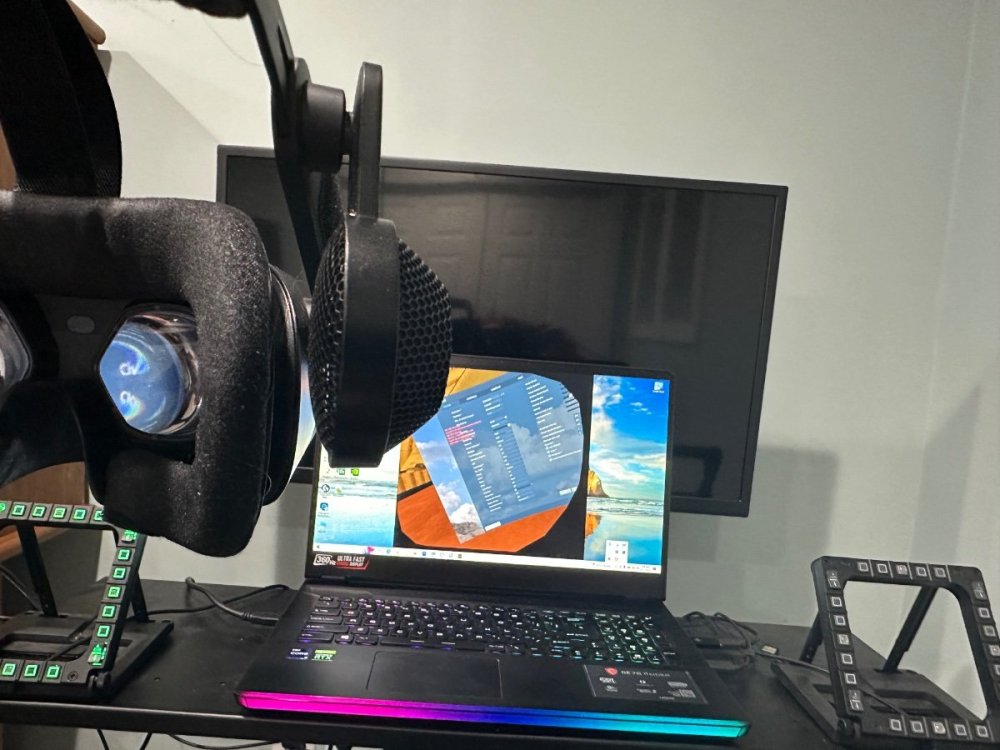
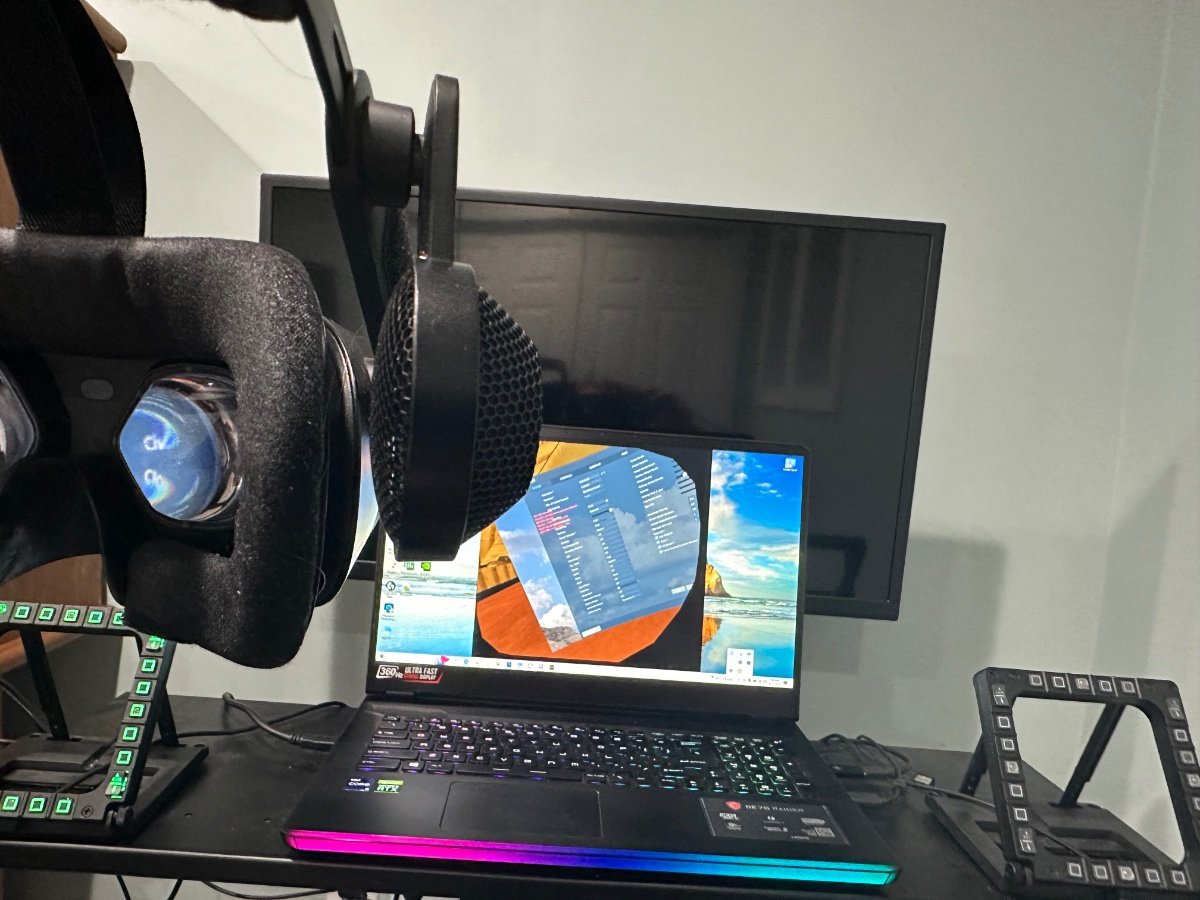
I've got about 1,700 hours in full motion flight sims (including as AF instructor) and have never had a problem. I know if they aren't synced right it can cause problems and I've also known people to get dizzy and feel worse trying to fly it with the motion off because of the disconnect between the eyes and body (my wife tried it once with the motion off and lasted about 2 seconds). The AF museum here in Dayton has a full motion "play" sim that even goes upside down that I tried with my brother (one of us flew and the other operated the weapons) and I was ok with that too. The professional sims have a whole crew of maintenance techs to keep them tuned and working, so not sure how a home motion sim will fare over time. We have enough problems keeping our systems running smoothly without adding another expensive layer of complexity like this. There is a place in Columbus (https://takeflightohio.com/) that gives you an airline sim experience in a full sim, though I don't think it has motion. There are also places around the country you can rent a professional aviation sim for an hour with an instructor (including here in Wilmington on B-767 at ATSG/ABX Air), but the price will prob be $600 or more an hour depending on airplane. I know there are a lot of FBO/small aircraft training facilities that are using sims (with and without motion) but they won't be as good as the bigger stuff.I’ve been using switched condition quite a bit the last few months and haven’t noticed a problem (yet).Yes and have never had a problem with it before. I was trying it with it both on and off and was still causing problems until I undo a lot of settings I had tried from the vr setup link I had posted. Seems to be working ok now so fingers crossed.Worked fine in IL2 and vr home. Only happened in DCSHas anyone had this before? With my HPG2 when I would start DCS it wouldn’t align right which caused left and right eyes to be out of focus. VR centering wouldn’t fix it and one time the diff between headset and laptop display was 90 degrees off which was very sickening while in vr. I finally had to undo some changes I had made previously and put the vr on and remain fixed and still while starting DCS which seemed to help.
 I AM SO EXCITED!!! Amazon just released a new series Fallout based on the game. Fallout 4 is one of my top games of all time, and in fact I've been playing through it again for the third time, this time on my PS5. Previously played on PC, PS4 and VR (though was disappointed in the vr version as controls are way too cumbersome so didn't finish). We just watched the first episode and they did a fantastic job with the atmosphere, props, etc. Even down to the first aid kits on the wall, the stim shot devices, tv's and even some of the classic Diamond City Radio music tunes (I have those songs on a playlist that drives my wife nuts if I play it)....all like you're in the game. It's a different story line and location but it's all there from power armor, Brotherhood of Steel, ghouls, and of course vault dwellers. I'm hoping next episode to see some bloat flies 😅






Account
Navigation
Search
Configure browser push notifications
Chrome (Android)
- Tap the lock icon next to the address bar.
- Tap Permissions → Notifications.
- Adjust your preference.
Chrome (Desktop)
- Click the padlock icon in the address bar.
- Select Site settings.
- Find Notifications and adjust your preference.
Safari (iOS 16.4+)
- Ensure the site is installed via Add to Home Screen.
- Open Settings App → Notifications.
- Find your app name and adjust your preference.
Safari (macOS)
- Go to Safari → Preferences.
- Click the Websites tab.
- Select Notifications in the sidebar.
- Find this website and adjust your preference.
Edge (Android)
- Tap the lock icon next to the address bar.
- Tap Permissions.
- Find Notifications and adjust your preference.
Edge (Desktop)
- Click the padlock icon in the address bar.
- Click Permissions for this site.
- Find Notifications and adjust your preference.
Firefox (Android)
- Go to Settings → Site permissions.
- Tap Notifications.
- Find this site in the list and adjust your preference.
Firefox (Desktop)
- Open Firefox Settings.
- Search for Notifications.
- Find this site in the list and adjust your preference.