






Vonrd
Moderators
-
Joined
-
Last visited
Everything posted by Vonrd
-
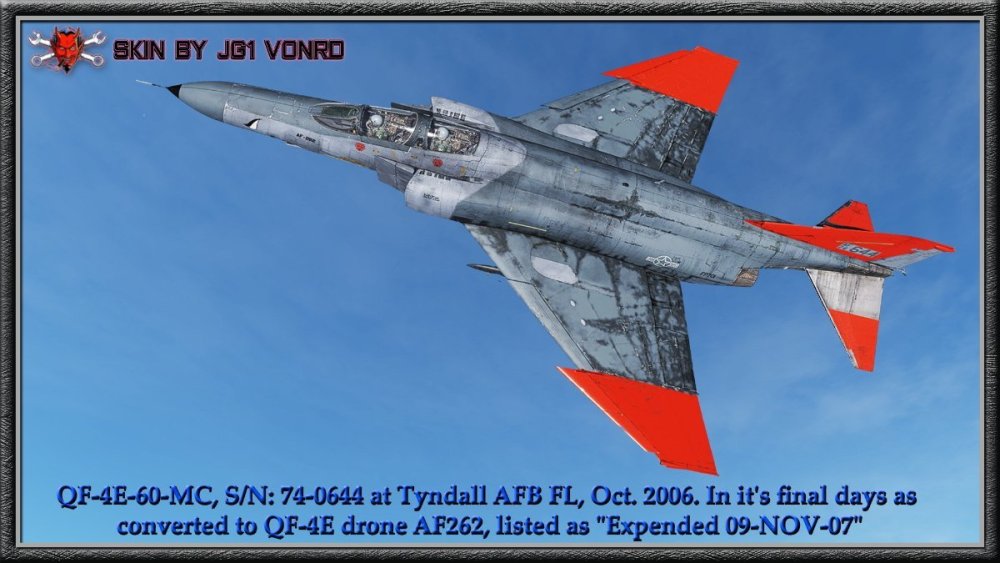
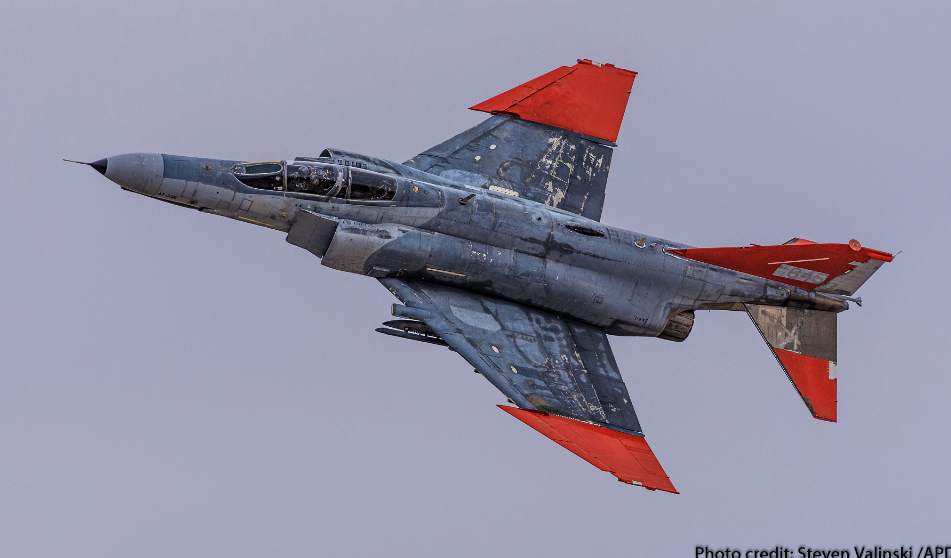
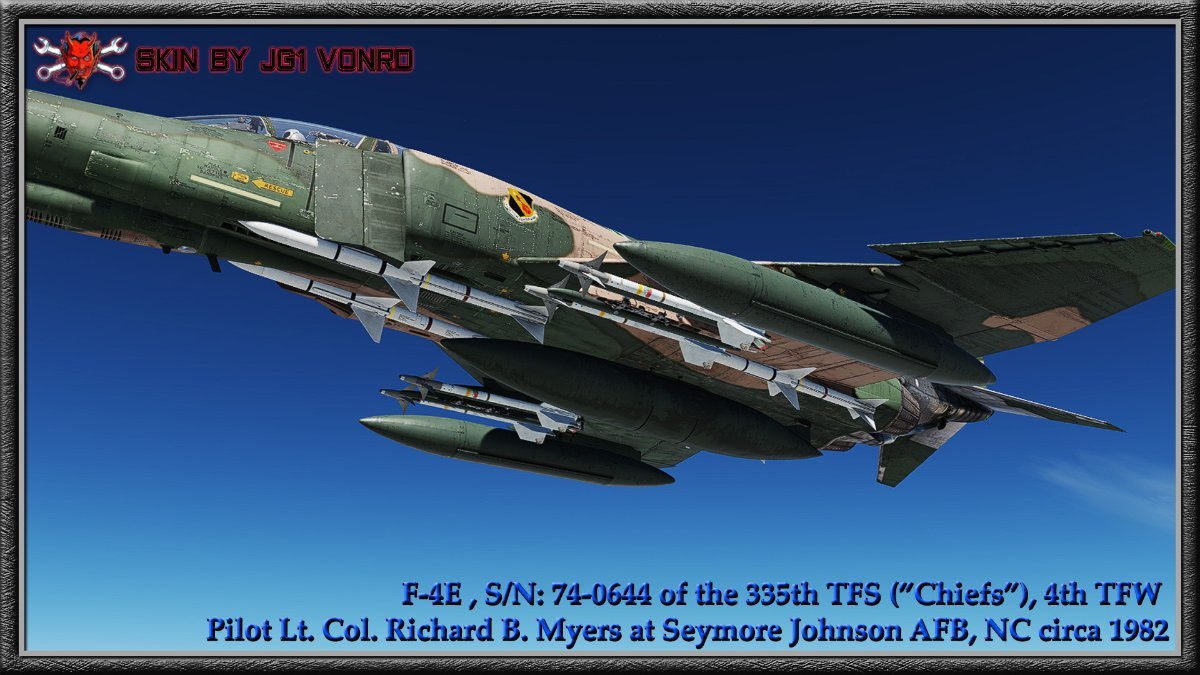
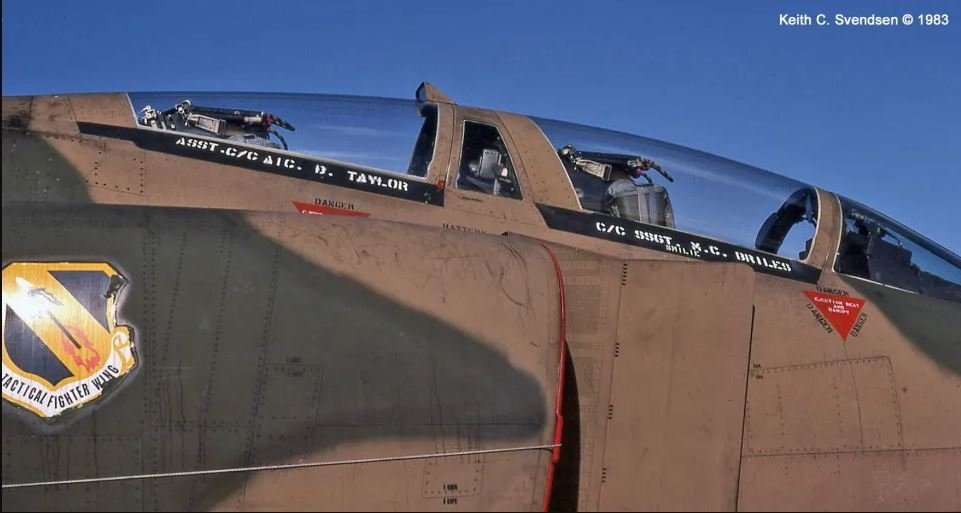
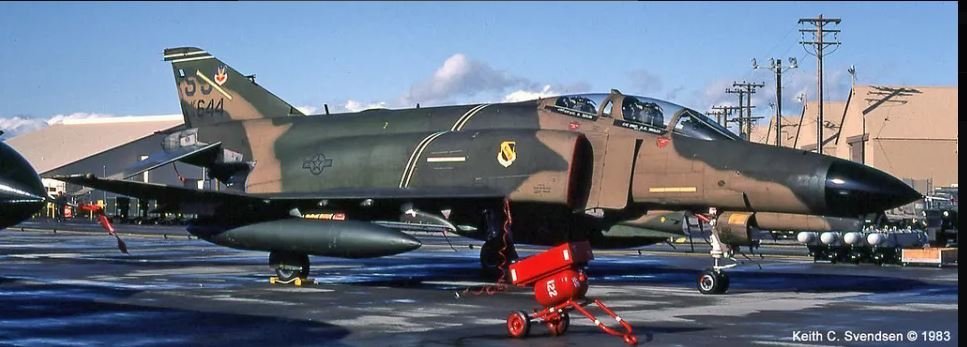
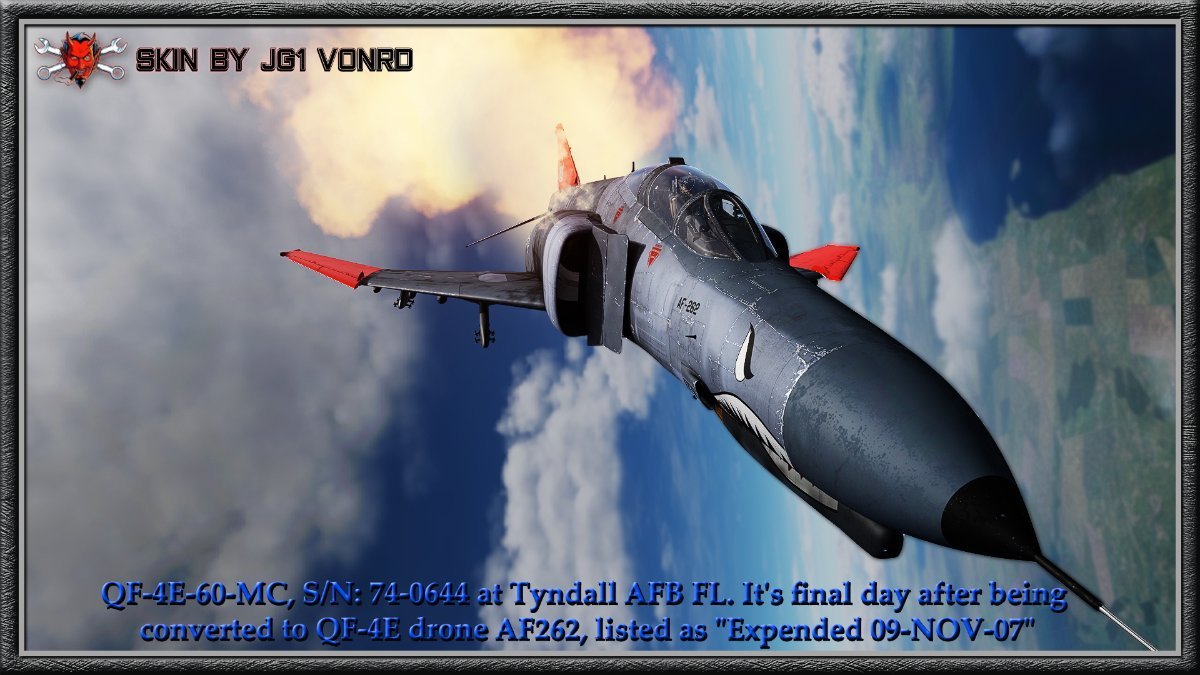
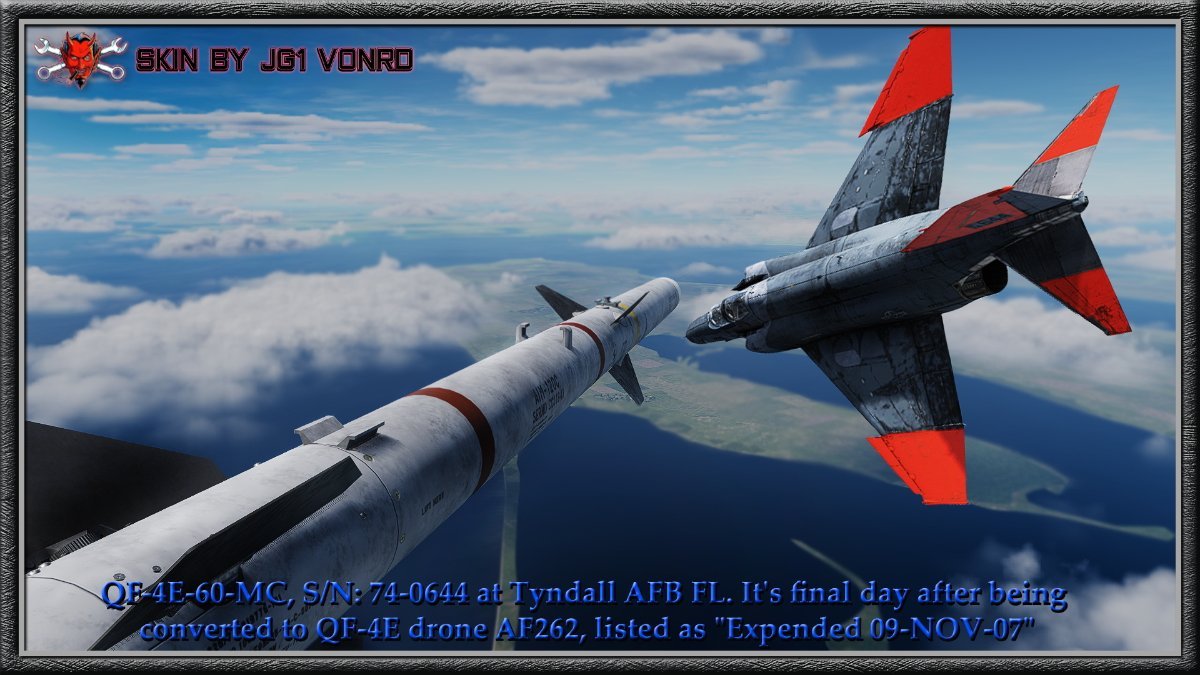
Looking good @Snaggle! I wasn't aware that JFK had a second command after PT-109... https://prologue.blogs.archives.gov/2012/09/24/john-f-kennedy-and-pt-boat-59/No disrespect Sir but... Ship it is from an "uninformed aviator" 🥴 Bluejacket's Manual - Of Ships and Boats and . . . By Lieutenant Commander Thomas J. Cutler, U.S. Navy (Retired) Another exception sometimes encountered is that personnel who are assigned to air wings that are embarked on board aircraft carriers will sometimes refer to the carrier as “the boat.” There is no official sanction for this, but it seems to be a kind of affectionate irreverence they use to set themselves apart from their fellow sailors who are assigned to the carrier as a part of her permanent crew (or they are merely uninformed aviators!). Having served in two of these magnificent monsters, I have no doubt that an aircraft carrier is a ship—let others call it a boat if they must.When it's really... REALLY hard to make that Go-around decision... 😳I think that @Flyboy can confirm that 🤣Are you using the IL2 Launcher and is "Enable VR" in the launcher "Settings" enabled? I had issues launching using a shortcut to the il2.exe earlier. I now use the launcher. I uncheck the "Enable VR" if I want to launch in pancake mode.Well, while we're at it... there's a new Nvidia driver out which is supposed to fix the problems of the last one.It's over 3 hours DL for me. 82G.Chinook! and lots of other stuff: https://forum.dcs.world/topic/341576-dcs-changelog-and-updates-2024/#comment-5499120Be careful what you ask for...If you REALLY want it... build it.Sometimes cheaper CAN be better... I wonder if the D model continued with this trend.This must give the Captain warm / fuzzies... 🤣While going down this rabbit-hole I discovered that there's Reddits on probably / nearly everything... https://www.reddit.com/r/nuclearweapons/ Scary but knowledge is part of Enlightenment.Somebody, please find where I can get this helmet 👹After the next update...The latest Playing for Change, tribute to Bob Marley.Jester: "Hey um Mav, it's really cool that you want to propose to her but..." m2-res_480p.mp4This skin continues the lifespan of Phantom II F-4E-60-MC, S/N: 74-0644 last seen at Seymore Johnson AFB NC when it was with the 335th TFS (”Chiefs”), 4th TFW. It went through aerial target conversion to a QF-4E drone, No. AF262 by BAE Systems at Mojave CA in June 1991. It was operated and maintained by the 82d Aerial Targets Squadron at Tyndall AFB FL. It's final day is listed as "Expended 09-NOV-07". Submitted to User Files 7/18/24 (Is there a way to make the photos follow a set sequence? I have them named 001 thru 007 in hopes that they will follow that order but it seems to be random).














Account
Navigation
Search
Configure browser push notifications
Chrome (Android)
- Tap the lock icon next to the address bar.
- Tap Permissions → Notifications.
- Adjust your preference.
Chrome (Desktop)
- Click the padlock icon in the address bar.
- Select Site settings.
- Find Notifications and adjust your preference.
Safari (iOS 16.4+)
- Ensure the site is installed via Add to Home Screen.
- Open Settings App → Notifications.
- Find your app name and adjust your preference.
Safari (macOS)
- Go to Safari → Preferences.
- Click the Websites tab.
- Select Notifications in the sidebar.
- Find this website and adjust your preference.
Edge (Android)
- Tap the lock icon next to the address bar.
- Tap Permissions.
- Find Notifications and adjust your preference.
Edge (Desktop)
- Click the padlock icon in the address bar.
- Click Permissions for this site.
- Find Notifications and adjust your preference.
Firefox (Android)
- Go to Settings → Site permissions.
- Tap Notifications.
- Find this site in the list and adjust your preference.
Firefox (Desktop)
- Open Firefox Settings.
- Search for Notifications.
- Find this site in the list and adjust your preference.