Vonrd
Moderators
-
Joined
-
Last visited
Everything posted by Vonrd
-
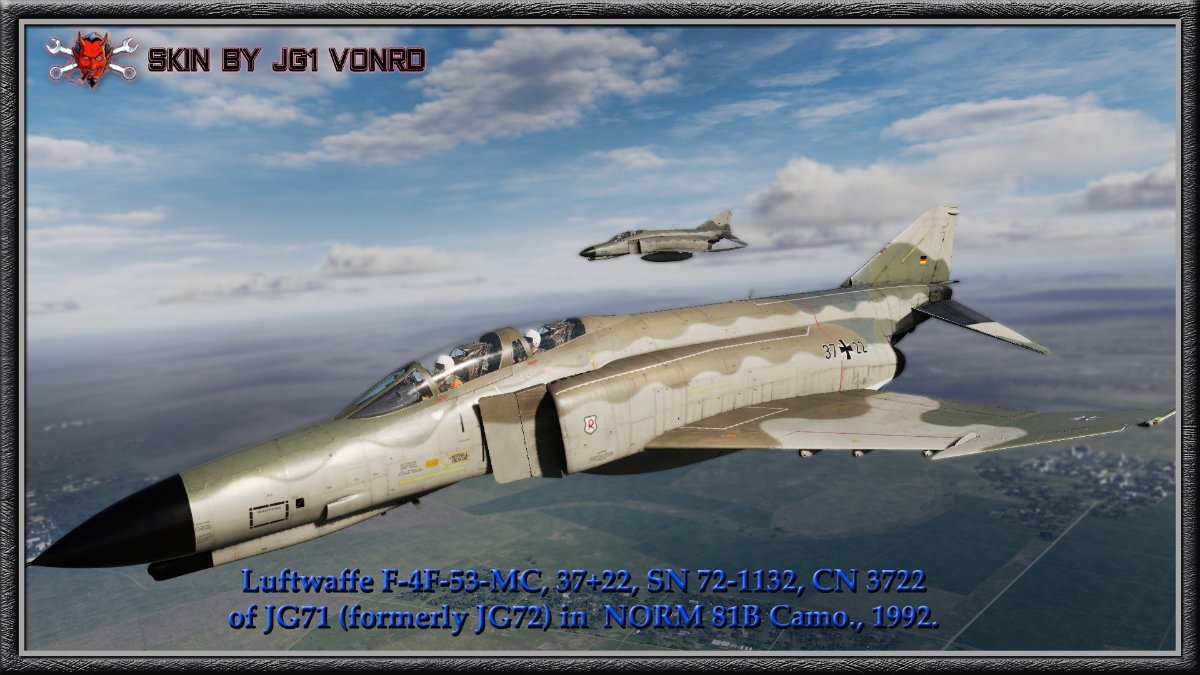
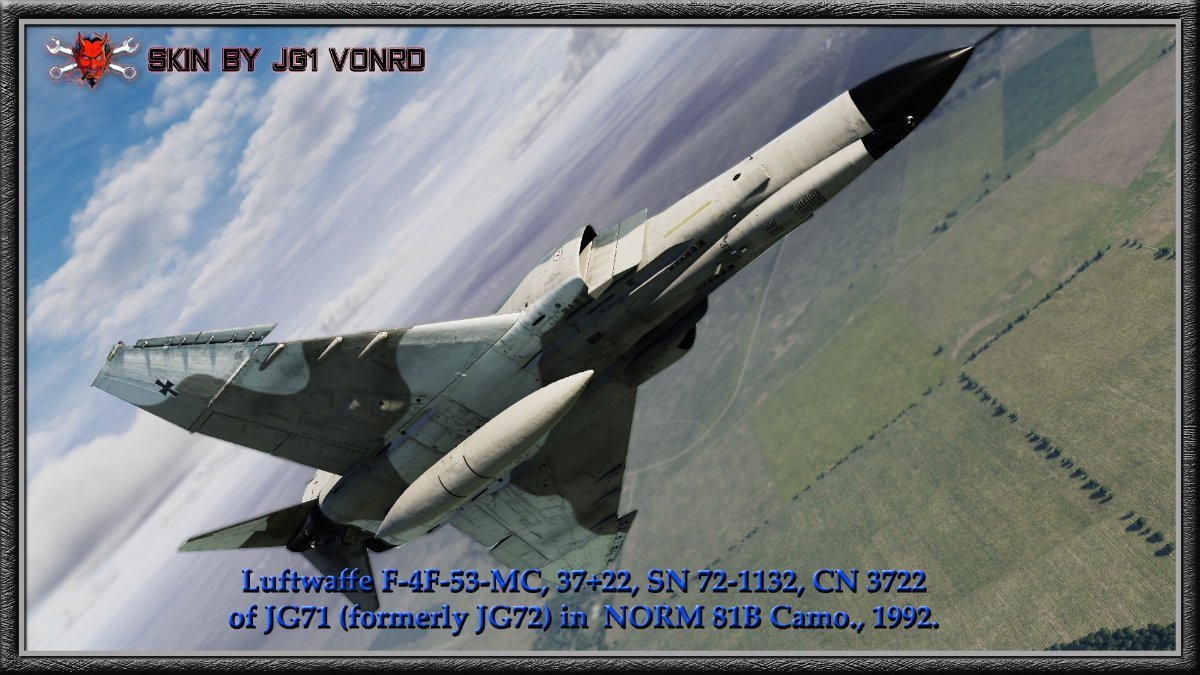
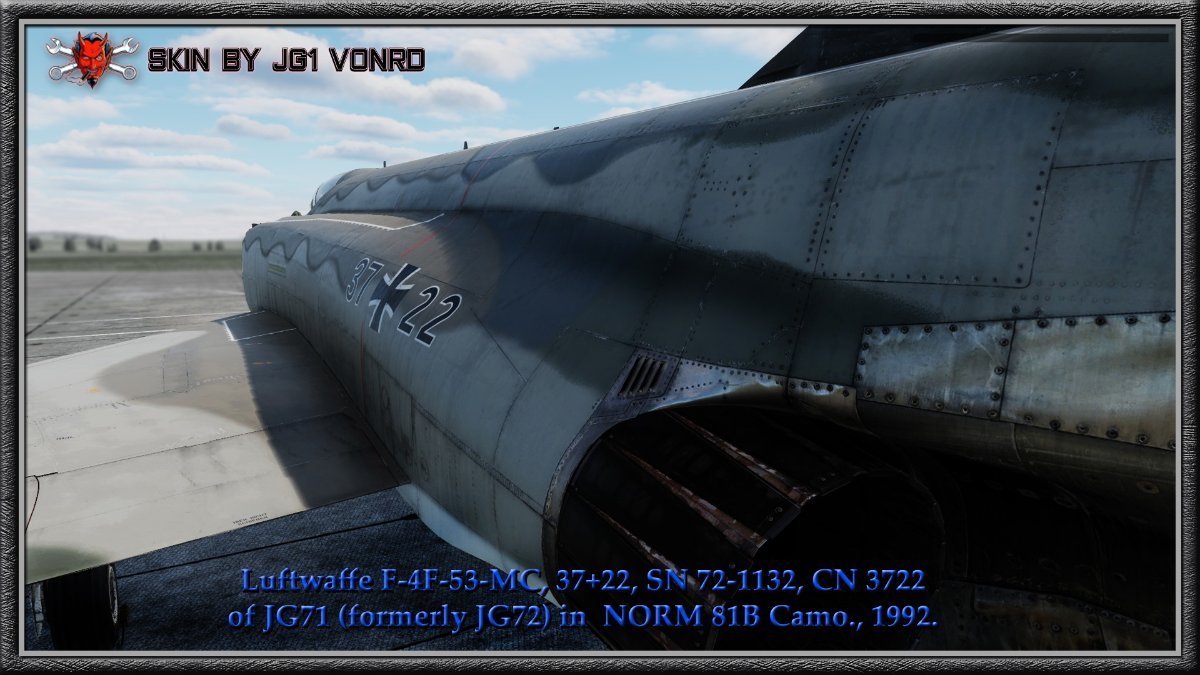
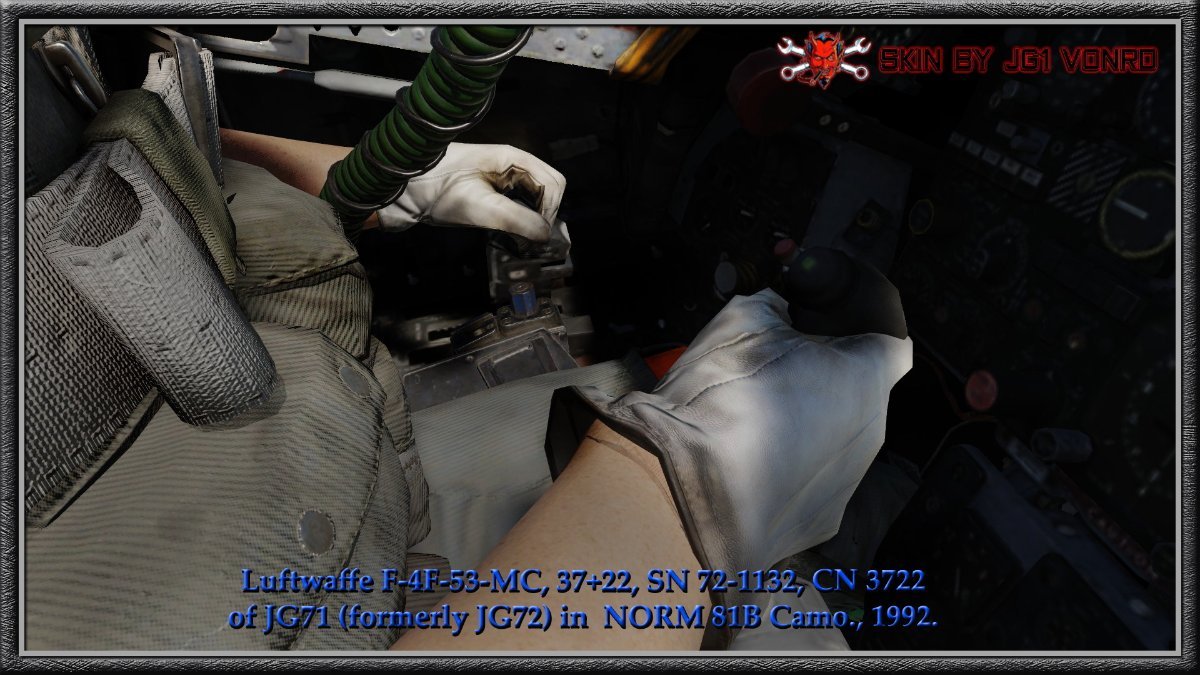
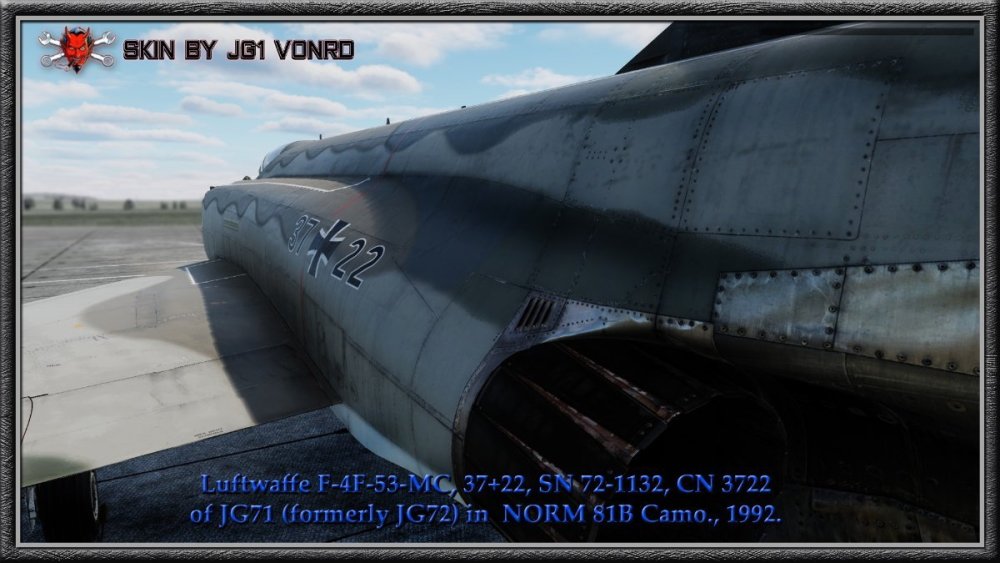
Luftwaffe F-4F-53-MC, 37+22, SN 72-1132, CN 3722 of JG71 (formerly JG72) in painted in NORM 81B camouflage circa 1992. Link: digitalcombatsimulator.com/en/files/3342755/ I used this as the basis for individual personal skins for the 1./JG71 guys: Alex (Rohr) 37+14 Nils 37+23 IUlrich (Retnek) 38+64 for use in REFORGER. Link for all (including the original 37+22) here: https://www.dropbox.com/scl/fi/xcks1vps3vi793ka6depm/JG71-Phantoms-V2.zip?rlkey=lus6dhjdvbuwy0sl1mn9hwk9c&dl=0




-
-
Actually neither particularly fascinating or terrifying... nauseating? A REALLY bad day for some ramp rat. m2-res_1280p.mp4
-
Unfortunately, Il2 doesn't have curves for the throttles like the control surfaces do. The only thing that you can do is fiddle with the high and low dead zones which will move the full throttle in game in relation to the full on your HOTAS. I think that you can make profiles for each plane but you have to remember to enable the profile in the loading window (the one where you select load outs / fuel, etc). I tried a while ago but pretty much gave up and just rely on the technochat. For Discord, I have no clue. Klai might know.
-
NASA coulda saved beaucoup on the Shuttle tiles...
-
Ready for Santa on approach
-
🍷🍸🍹🍺🍻🥂🥃 😀😆🤣🙃🤪😟🤮
-
Maybe more terrifying than fascinating. m2-res_854p.mp4
-
I think that this fits the title of this thread. m2-res_720p.mp4
-
MiG-17 Demo Team! https://daytonairshow.com/fighterjets-jet-demo-team/
-
Along the same lines but... Disco!
-
-
Do you know that you can set a timer for the fog to either dissipate or increase? Try setting it for one minute elapsed time to see it in "fast forward". Really cool.
-
-
WOW! Great find.
-
That's a very good point. Kudos!
-
Yes, condolences about the loss of Bill. Sierra Hotel videos! Since you built it, I'm curious as to why you haven't subsequently incorporated aileron differential throw to alleviate the adverse yaw.
-
Yeah, I see why the adverse yaw... 😳 Yes but I always understood that the principle reason for taildragger's propensity for ground looping is due to the main wheels being forward of the CG... like rolling a shopping cart backwards or a tricycle in reverse. BTW, have you ever flown a Pitts? That is the most skittish landing plane that I've flown and add that you have Zero fwd visibility in the flare. How is your's in the vis department? Anyway, very impressive and I do hope to (virtually) fly with you.
-
"traffic no longer a factor... my bad"!!! m2-res_240p.mp4
-
In optionsData.lua located here: DCS-ROLEX\Mods\Services\DCS-ROLEX\Options. TITLE = _("DCS-ROLEX"), STOPWATCH_CHECKBOX = _("SW - Stopwatch"), GAMETIME_CHECKBOX = _("GT - Game Time"), REAL_LOCAL_CHECKBOX = _("RL - Real Local"), REAL_ZULU_CHECKBOX = _("RZ - Real Zulu"), GAME_LOCAL_CHECKBOX = _("GL - Game Local"), GAME_ZULU_CHECKBOX = _("GZ - Game Zulu"), MINUTES_HELP = _("* Warning minutes should be more than Caution minutes"), DEFAULT_HELP = _("* Hide/show/compact default hotkey: 'CTRL+SHIFT+F8'"), DEFAULT_HELP3 = _("* Reset the stopwatch default hotkey: 'CTRL+SHIFT+Space'"), DEFAULT_HELP2 = _(" * Hotkeys can be changed by editing 'Saved Games/DCS/Config/ROLEXConfig.lua'"),
-
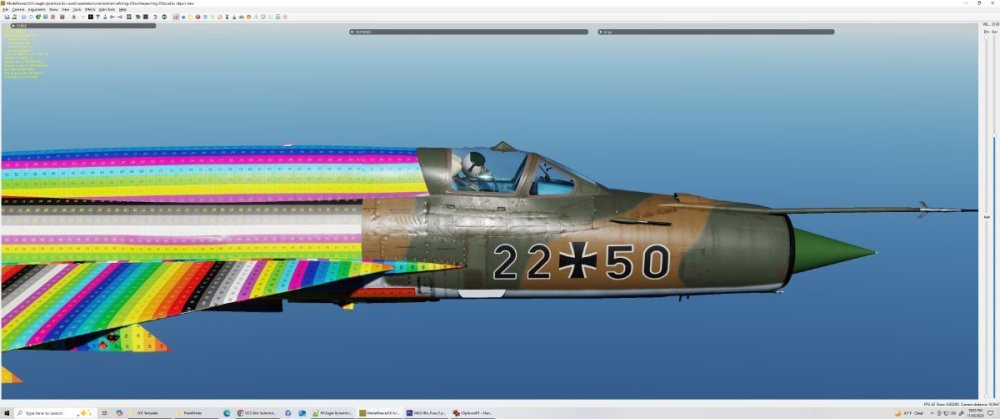
So, this is the best I can do with selectable Bort numbers for post unification MiG-21. The numbers have to be this large due to the kerning (horizontal spacing) of the Bort numbers being fixed. I can make the font smaller but they would be spaced too far apart and would look strange. Even though they're slightly larger than historical, I think they look pretty good. Should I proceed?

-
Absolutely! They've apparently been hitting the DCS forum as well.
-
-
Always helpful! This is why I try to find aircraft with at least several photos from different views. Of course the ones with lots of photos are the first ones skinned / modeled making it difficult to go for the lesser known (and often more interesting) ones. The thing that I struggle most with is color rendering due to the wild variation in published photos. I keep posting in the skinners threads to try and get the Devs and everyone to agree on which #hex code to use for specific colors. That way at least the appearance in game would be homogeneous from one skin to the next. Not getting much traction though.
-