Vonrd
Moderators
-
Joined
-
Last visited
Everything posted by Vonrd
-
Definitely check this. I recently got a new monitor and accidentally plugged it into the MB and had major low FPS... obviously.
-
What are your machine's specs?
-
-
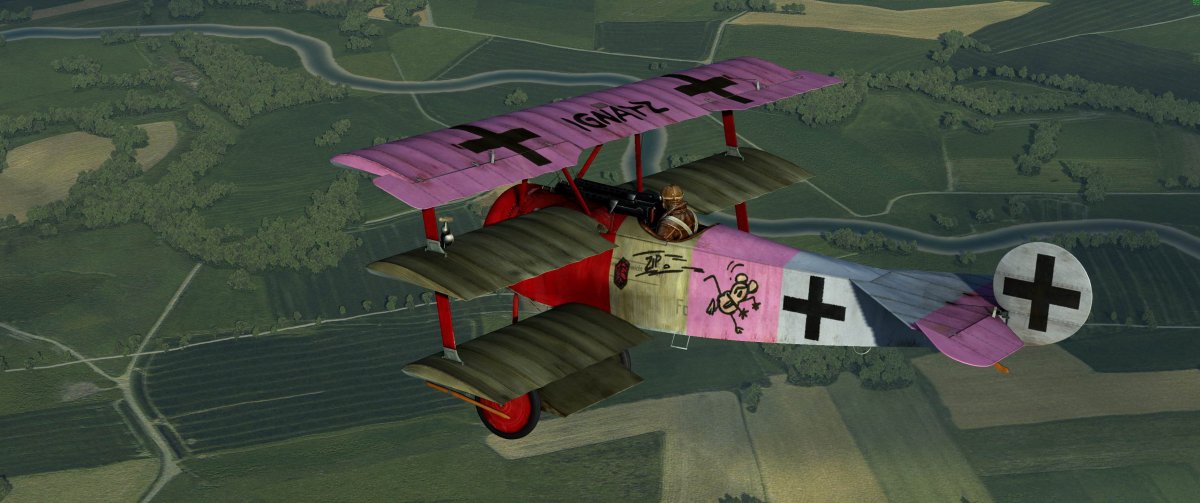
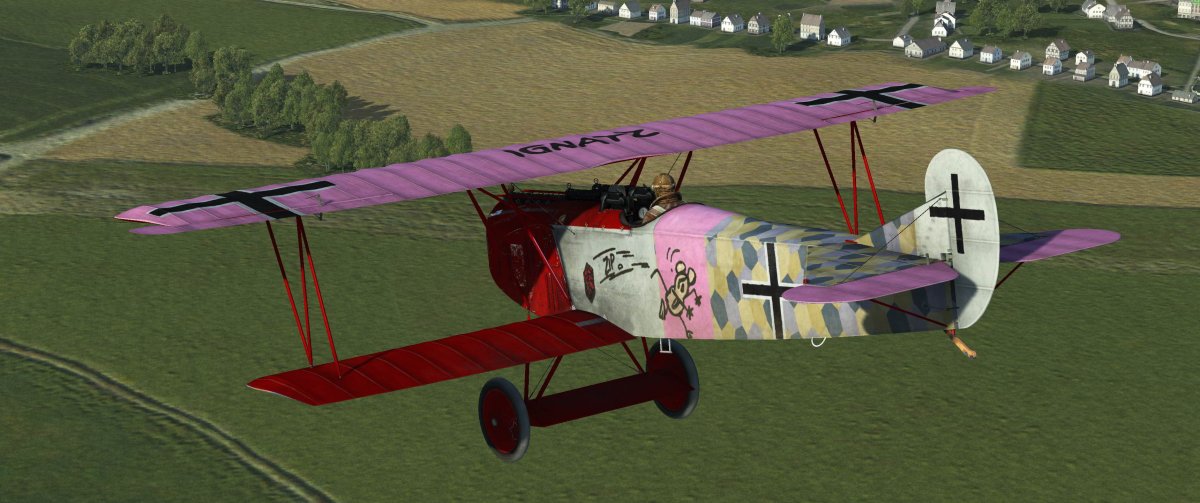
Flying Circus skins updated. Updated Klaiber and Vonrd. New Schafer and Luft. File: FC Updates Nov 2019 [link removed] This is in the OP above.
-
Great Battles skins updated. Added Hess updates for changes in 5./JG1. [link removed] This is in the OP above.
-
-
Now, if I can just get a cloaking device... 🤨
-
Bummer... I hope that you re-consider but we all understand the RL takes precedence.
-
Whew... so glad to hear all's well Vik! Not knowing that you were on the east side and with news reports of 100 mph wind gusts around Geyserville all I could think of was the Paradise fire (my aunt and uncle lost their home in that one). Thanks for letting us know.
-
Thank you! I am really enjoying doing these... so much so that I've fallen way behind on the skin stuff.
-
-
-
No, Maybe Klai has his email? I'm worried as there were quite a few homes destroyed in his area. Sure hope he and his family are OK.
-
The normalmaps texture is very subtle. Best seen in a "without" and "with" comparison.
-
The files with the "_B" as in "A20B_B" should NOT be renamed ... the _B files are the "normalmap" which are used to give the planes the illusion of detailed texture... There should be no files with the "_B" in my download. If there are, I don't know how they got there and I don't see them when I checked the download. Here's an explanation of what they do: https://en.wikipedia.org/wiki/Normal_mapping The "checklist photos in my download are already named "custom_photo.dds" and will overwrite the BOS stock pinup photos unless the stock photos are renamed or backed up somewhere else.
-
Sorry guys, I have no idea what's going on. I just extracted the zip file and everything looks fine to me. I have gotten rid of the zip file in Dropbox and just made it a direct, uncompressed file structure. It should be... for the A20 as an example: C:\Program Files (x86)\1C Game Studios\IL-2 Sturmovik Battle of Stalingrad\data\graphics\Planes\A20B\Textures\custom_photo.dds (or starting from wherever your game is installed... I'm not sure how the Steam version works). Etzel, it looks like you somehow have the game's default normalmap renamed to "custom_photo.dds" (it should be "A20B_B.dds") and I don't know how that could have happened since the zip file didn't have the normalmap in it.
-
Here's an explanation of what they do: https://en.wikipedia.org/wiki/Normal_mapping
-
I thought I had eliminated those... they are the "normalmaps" for the aircraft textures. It won't hurt anything to let them overwrite since they are the existing normalmaps. I will revise the zip folder when I get home.
-
Here are my completed cockpit info photos for WWII in a zip file. Either extract to your main game folder - C:\Program Files (x86)\1C Game Studios\IL-2 Sturmovik Battle of Stalingrad or into a temp folder then paste it over. https://www.dropbox.com/sh/fespqr0650h45pf/AADzzvXIdrI7UgaKGnGOnLU4a?dl=0

-
-
-
Although I haven't experienced the stutters it looks like it's a known issue: https://forum.il2sturmovik.com/topic/55322-stutters-in-multiplayer-research/?tab=comments#comment-842294
-
Let's all send positive vibes Vik's way. There's a huge fire right in his new location in Geyserville.
-
I seem to recall that there was a limit of 5 devices that can be used for controls... but I may be hallucinating 😄
-
75% off on BOS, BOM and BOK https://forum.il2sturmovik.com/topic/54947-pre-release-celebration-sale-bosbombok-campaigns-75-off/?tab=comments#comment-836163